Human-Computer Interaction: A Matter Of Life Or Death…

What Is ‘Human-Computer Interaction?’:

Human–computer interaction researches the design and use of computer technology, focused on the interfaces between people and computers. Researchers in the field of HCI both observe the ways in which humans interact with computers and design technologies that let humans interact with computers in novel ways.

(Write in own words)

My Health Bar:

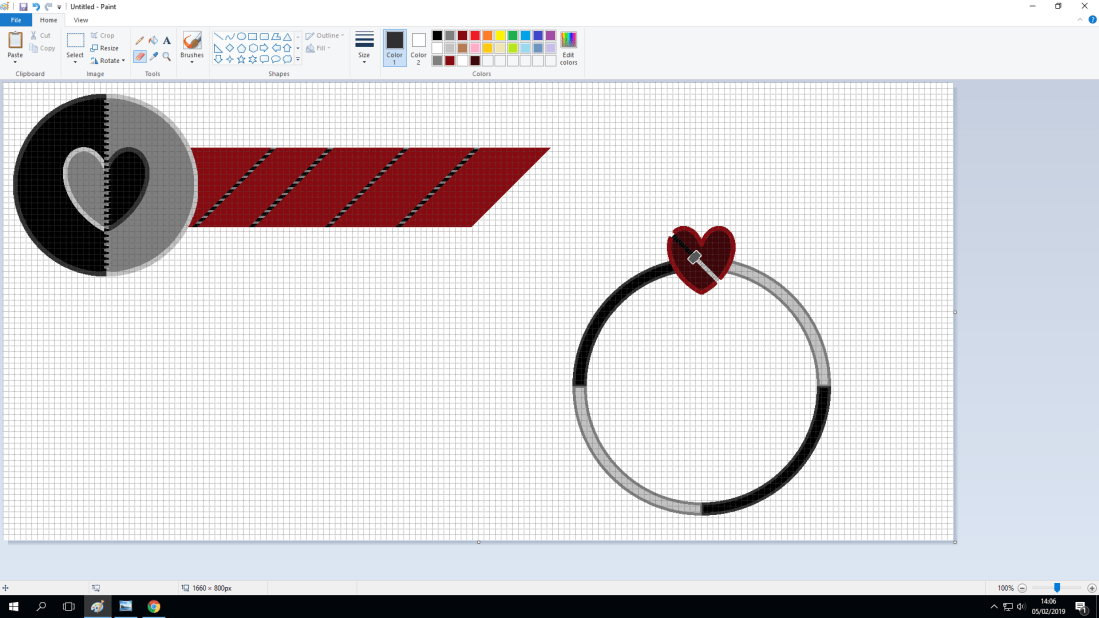
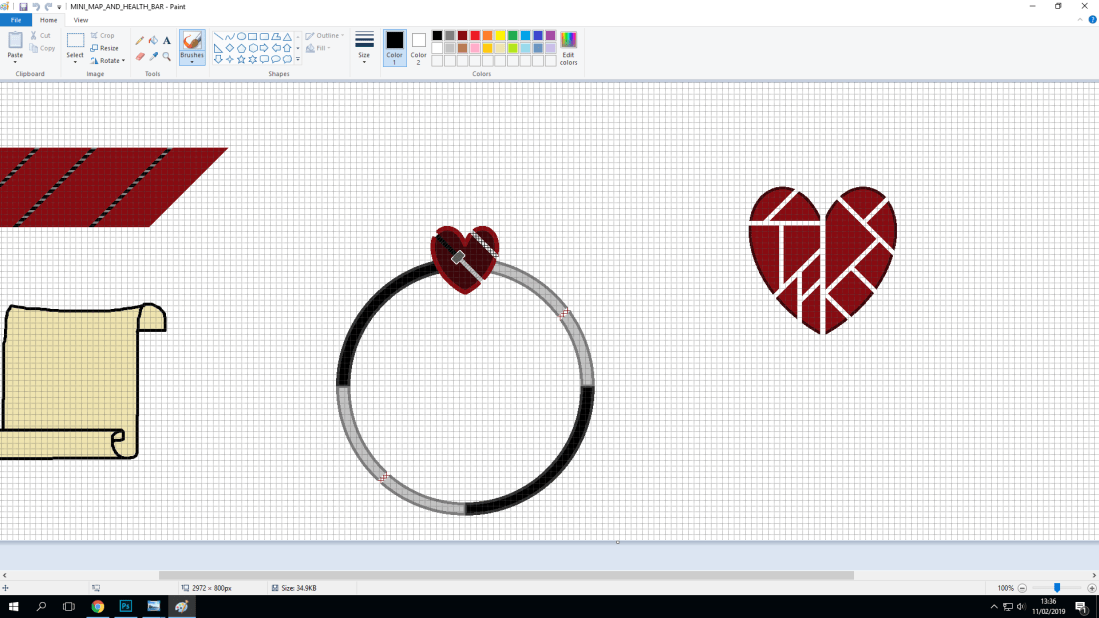
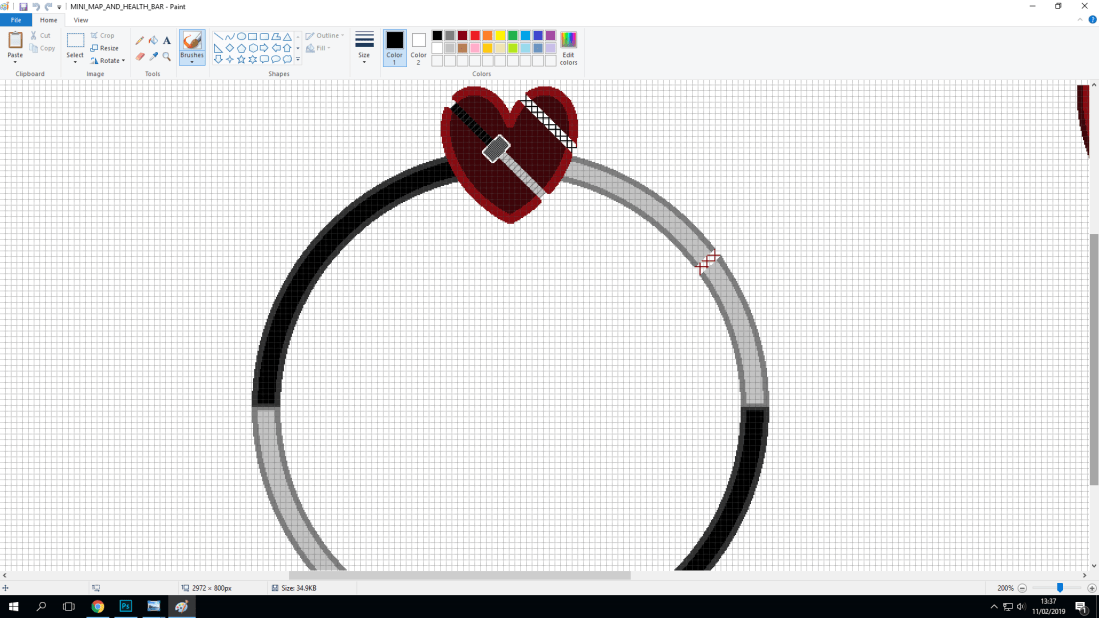
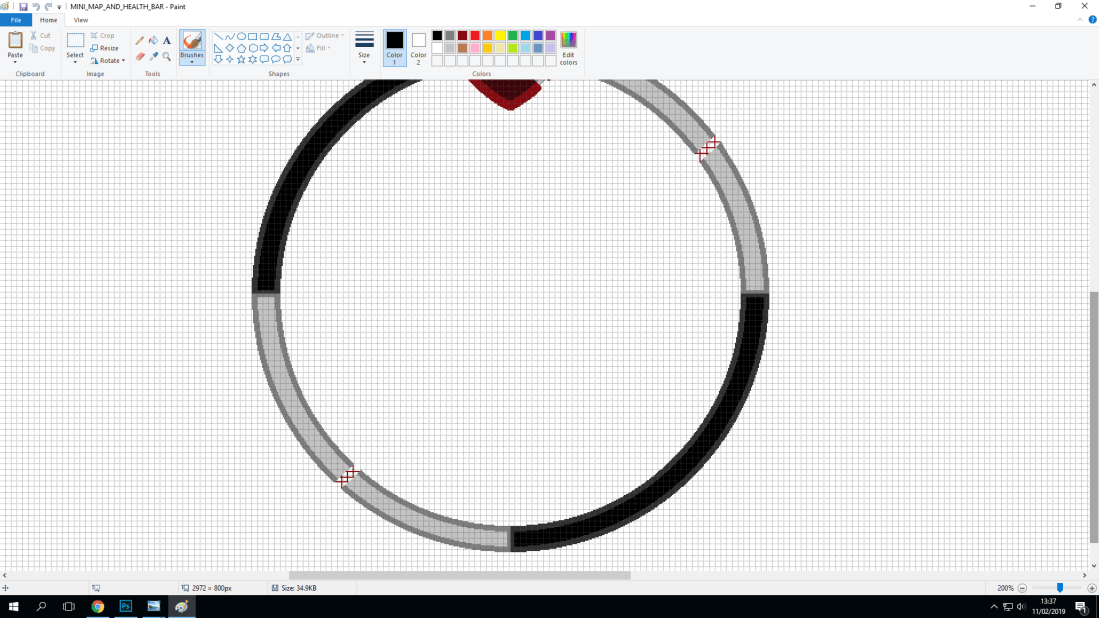
Screenshot (28)Screenshot (43)Screenshot (37)

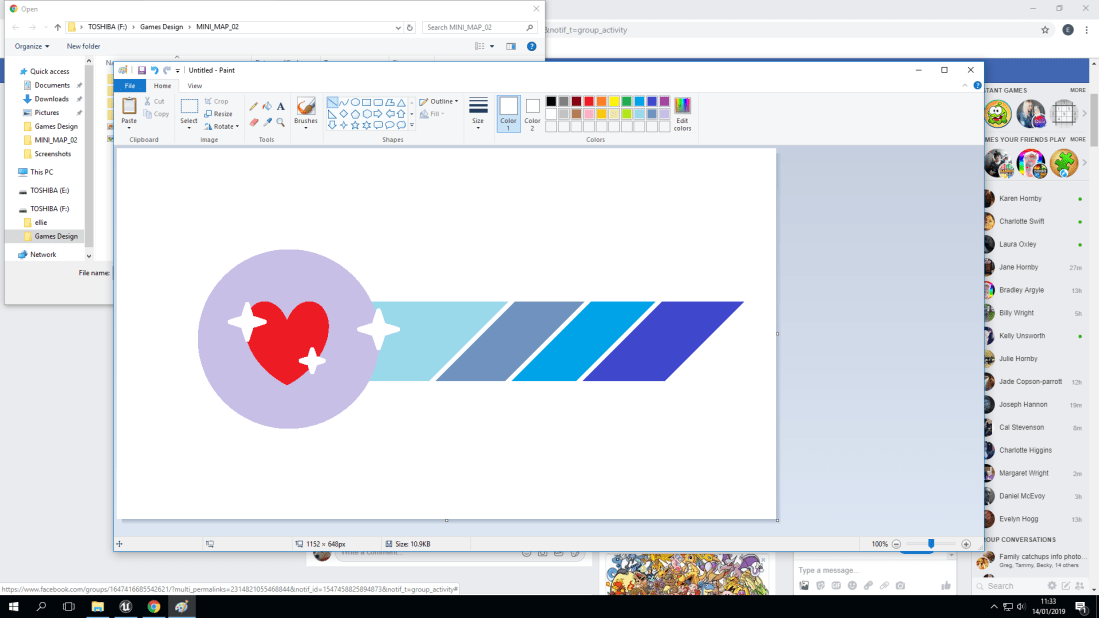
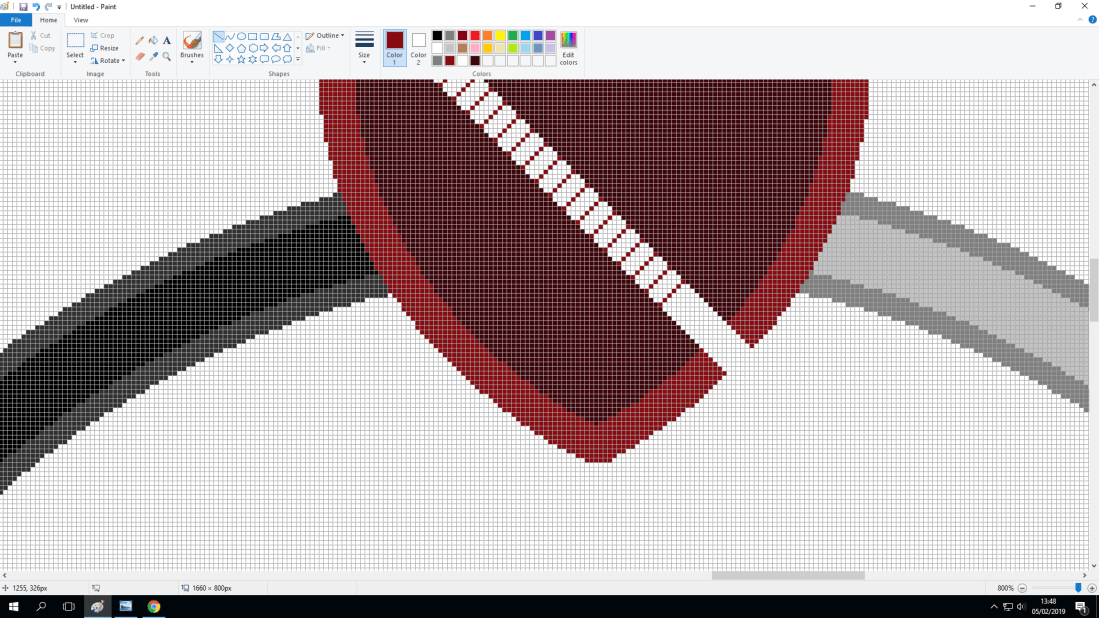
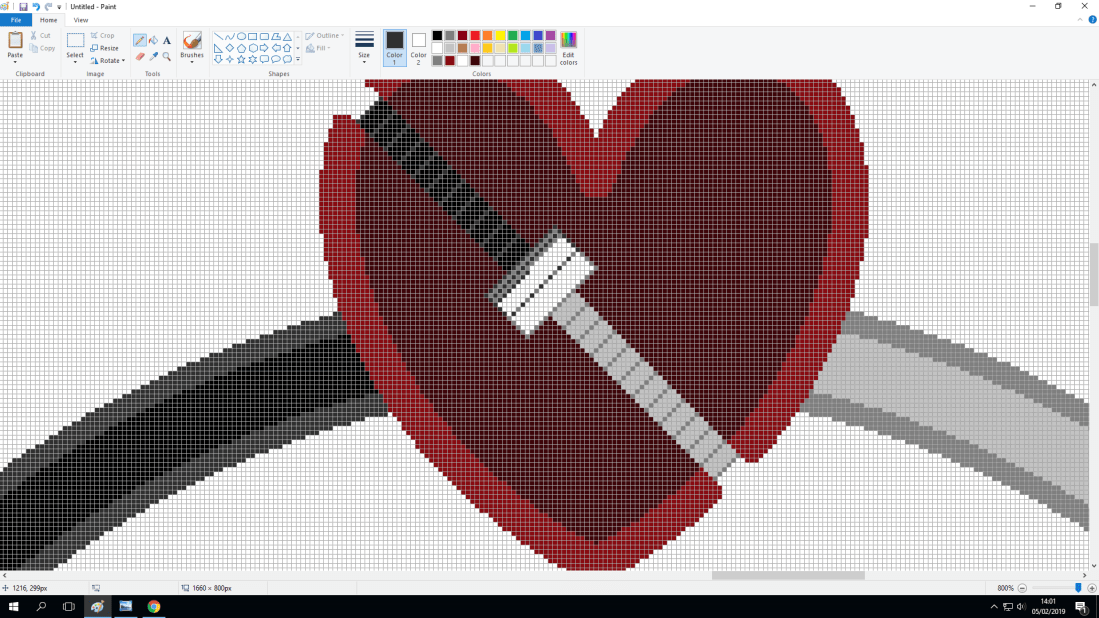
Here is the design process of my health bar, showing the design process taking place in Microsoft Paint and then finishing in Photoshop.


How Could The Health Bar Be Further Developed?:

With the health bar being complete and functioning, I would have added a more complex design (In terms of graphics and the overall look of the health bar). With the overall design, it is simple yet this is effective. For example, in the Legend Of Zelda series, we always see the same kind of health bar system being used.

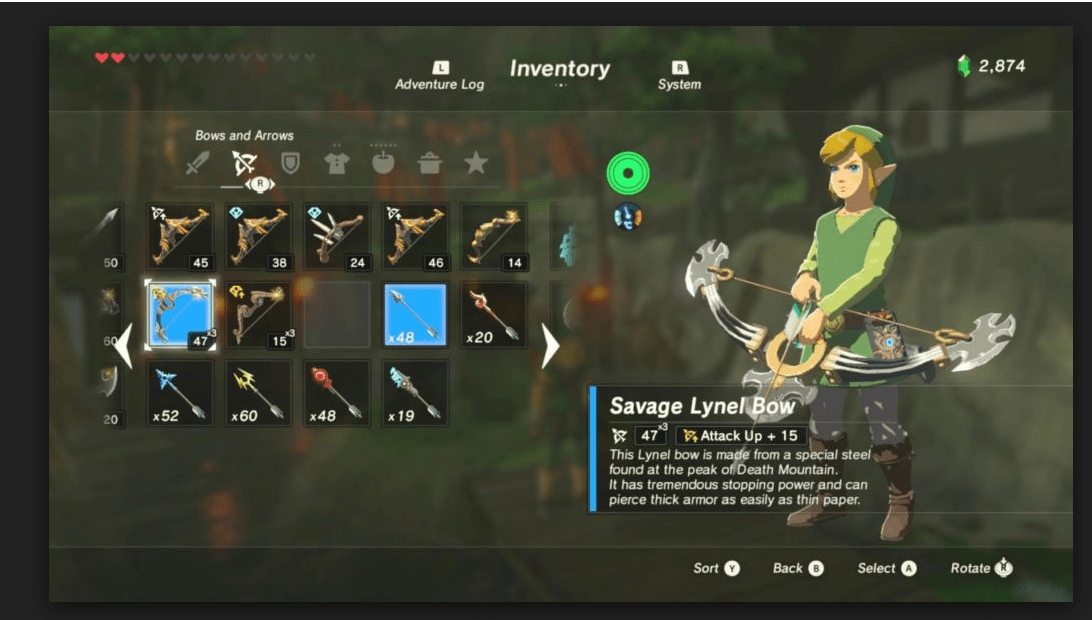
Legend Of Zelda-Breath Of The Wild Snipping Tool Capture Of Health Bar.PNG

Here we can see in this photo of the game, even in the latest installment of the zelda series we still have the same iconic health bar system, which is the system of hearts. The thing that makes this very unique is that each heart has four sections, depending on the enemy you may take only 1/4 of damage instead of losing a whole heart. But the amount of damage you take can also depend on how many ‘sections’ of the health bar system you have. The amount of total hearts that the player can obtain by finding heart containers (An item which grants you an extra heart up in the top right hand corner) is known to be between 27 and 30. This is because in the latest installment of the Zelda series, The player not only has to worry about health but also stamina. The way that these heart containers can be obtained are by beating four challenges (known as shrines) for one heart container. Depending on how you play the game you can either decide to have more health, and still a lot of stamina or more stamina and still a good amount of health.

Another example of showing how a health bar can be unique is Super Mario Odyssey.

Super Mario Oyssey Snipping Tool Health Bar.PNG

With this photo of the gameplay, we can see just how different the styles and uniqueness of different games can still understand the way to get the player’s attention to show that these two icons actually mean something in the game, giving us constant information rather than just being there to look pretty.

Production Days 1,2 And 3: Frustration, Panic And Stress

Day 1:

My team partner, Joseph wasn’t at college so I spent the first full day of the project alone. Which was stressful as I had to rely on myself to create a Health-Bar and Mini-Map design that my partner would like and that would suit the theme of our project.

Health Bar: The Design:

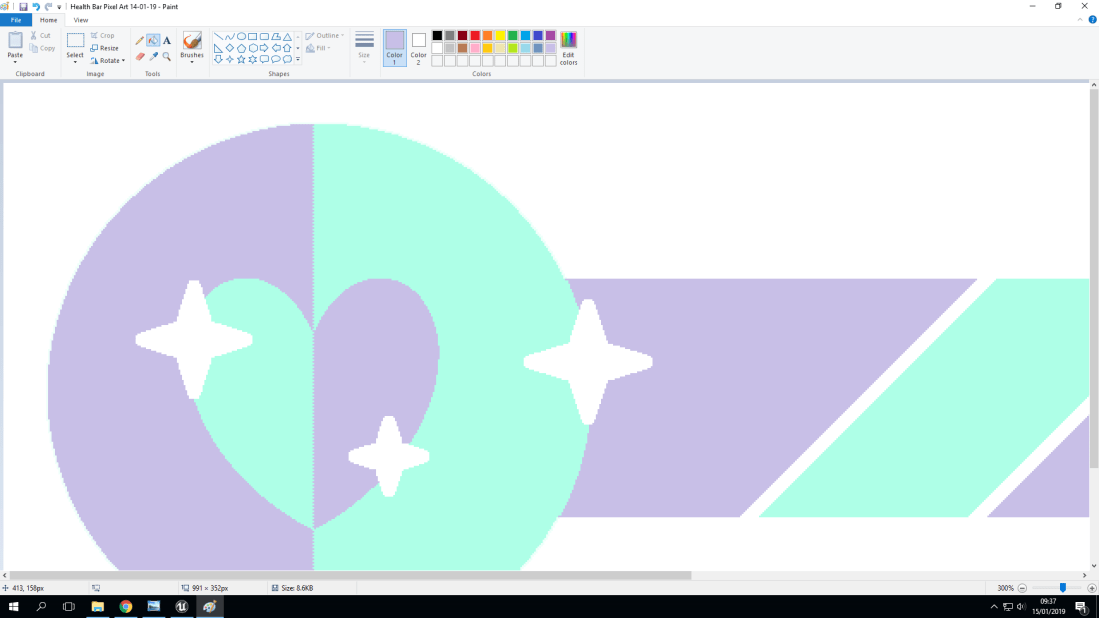
Health Bar Pixel Art 14-01-19


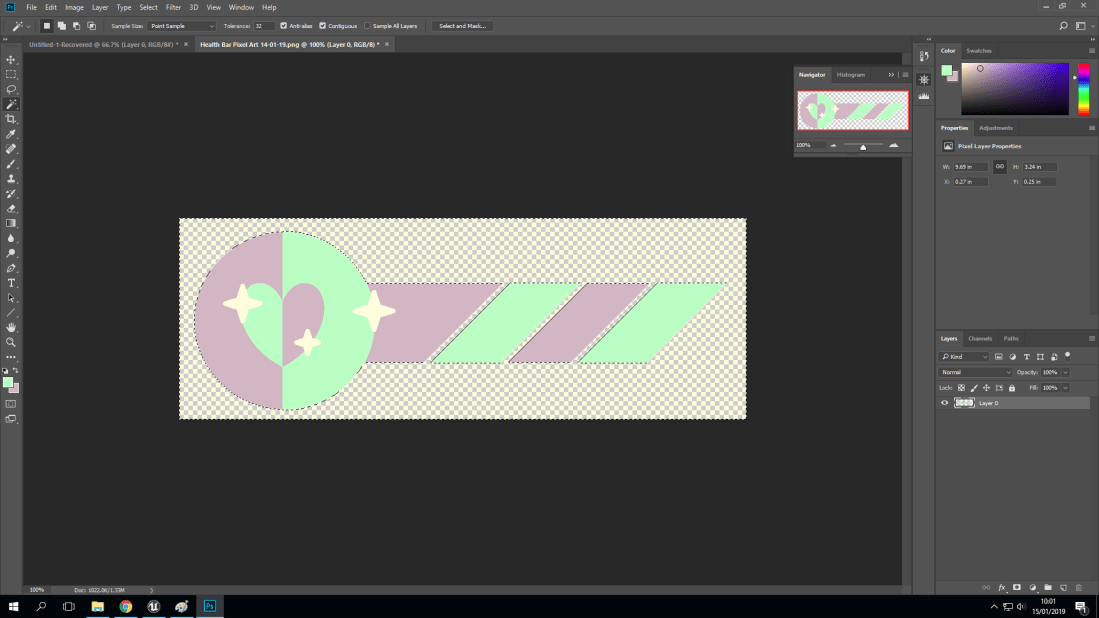
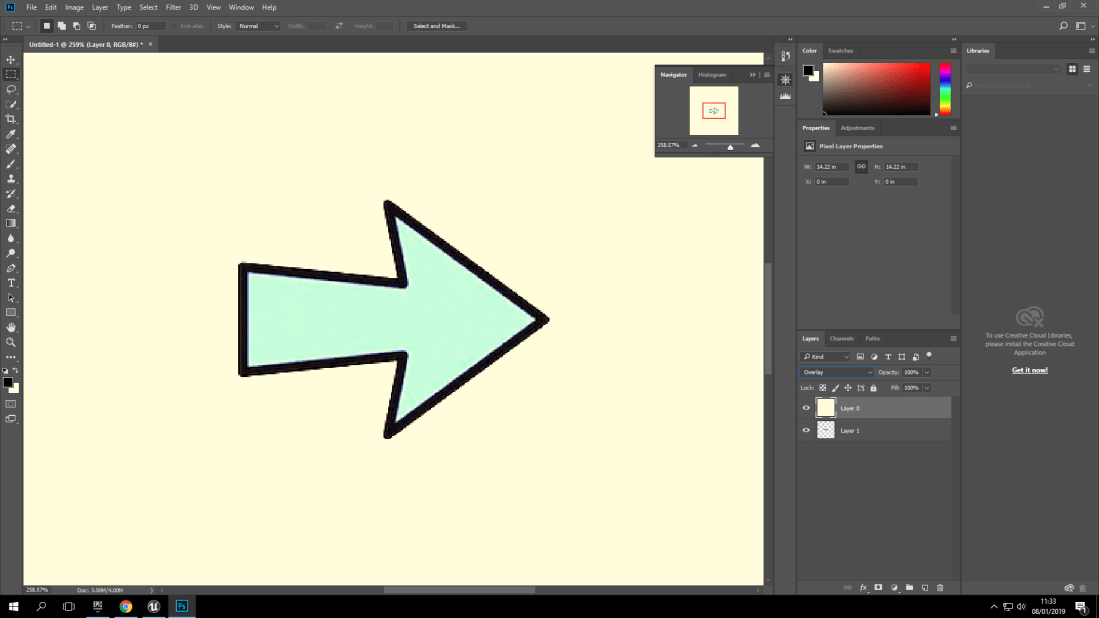
Here you can see the finished product of the health bar design, which is similar to the first design but it’s different with the colour scheme and shading.

Health Bar: The Comparison Between Designs:
Screenshot (37)

Screenshot (28)

Screenshot (43)

As you can see, the middle image is the original idea I had but I soon changed it since I saw that the colours wouldn’t work as effective as I had wanted them to. So instead I used 3 colours. White, pastel green and pastel purple. Another clear change is that the colours are different shades of 2 colours. Black and red. However, the first two designs have stars for highlights where the other doesn’t. This is because of the project being a graveyard stars for highlights and bright pastel colours wouldn’t work with the theme, which is horror.

Day 2:

Day two was much more productive than the previous because I had Joseph with me so that meant we could reflect ideas off of one another for the design changes, sound ideas and finally who would do what. We had already decided this on the day we had to prepare a concept but the original concept we had was scrapped because it was too ambitious and it was much more sensible to expand something already existing.

Mini-Map:  The Design:
Screenshot (143)

Screenshot (144)

Screenshot (145)

Screenshot (146)

Screenshot (156)

Screenshot (157)

Screenshot (158)

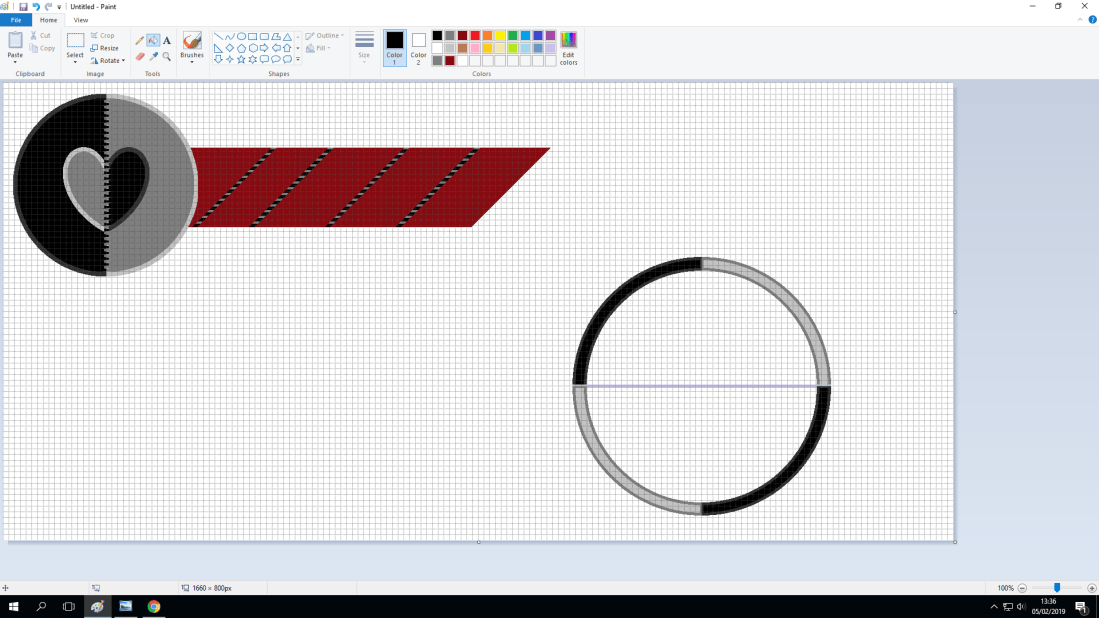
As you can see here, this is nearly the complete process of how I made the Mini-Map’s Design. (I originally did have OBS Footage of the complete process but for some reason it deleted itself when I was checking it while at home. However these screenshots show the process at multiple stages). With the overall idea of the design I am unable to pinpoint the inspiration for it but I had watched a movie known as ‘Coraline’ recently so I’m assuming that’s where the idea with stitching came in. For the rest of the design, I am pretty certain that it just came to me from the simplistic colour scheme.

Day 3:

The final day of production was the most stressful because of many reasons. One being that the Mini-Map didn’t want to work, which was frustrating since the previous time that I had created a ‘Mini-Map’ it didn’t want to work either.

Blue-Prints: Screenshots And Explanations:

Health Bar:
Screenshot (161)

Screenshot (162)

Screenshot (163)

Screenshot (164)

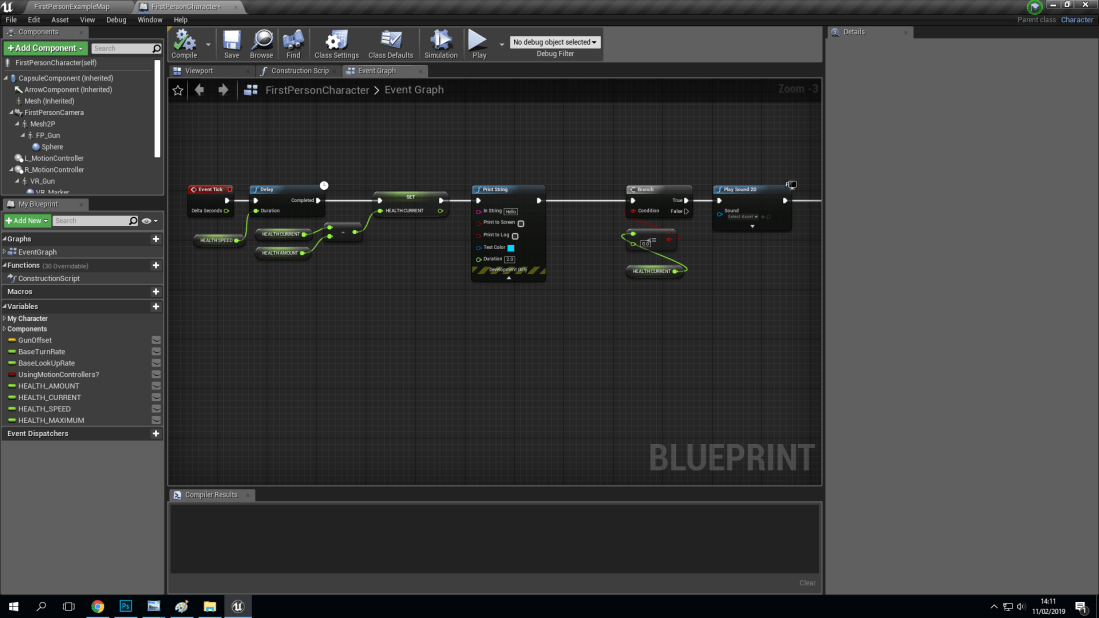
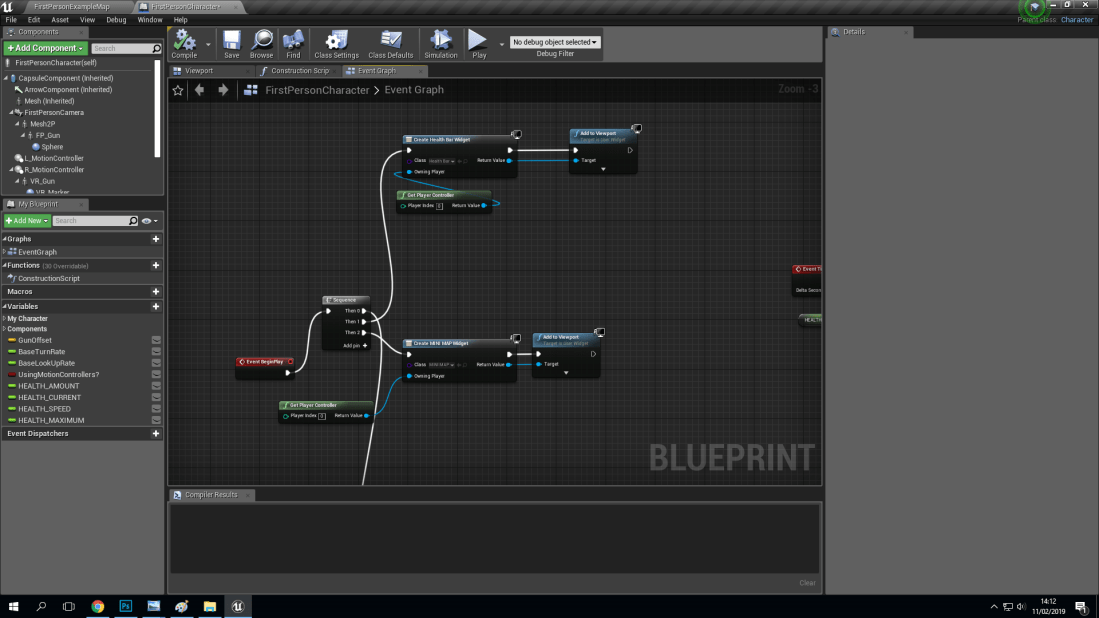
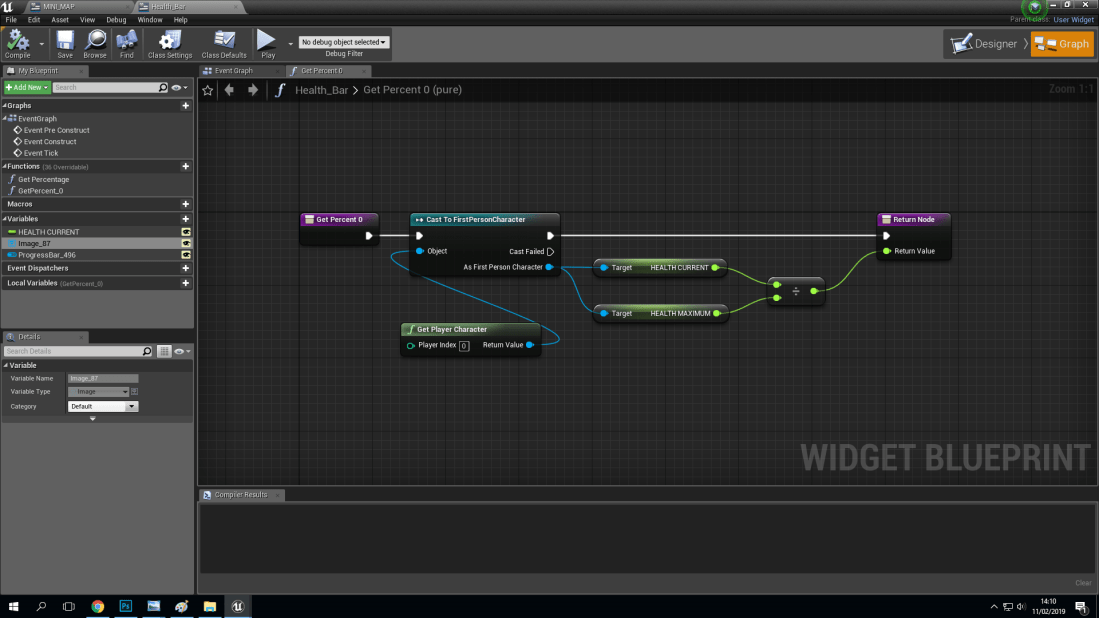
With the health bar’s blueprints (Above) there are two different blueprints which both work together to aid in making the health bar function properly and to actually appear on the screen.

Blueprint 1: What Does It Do?:

The first blueprint will be able to get a percentage from the health current and maximum being divided to get the percentage of health left. This is then linked up to a node known as ‘cast to first person character’ (Because it’s a first person game).

Blueprint 2: What Does It Do?:

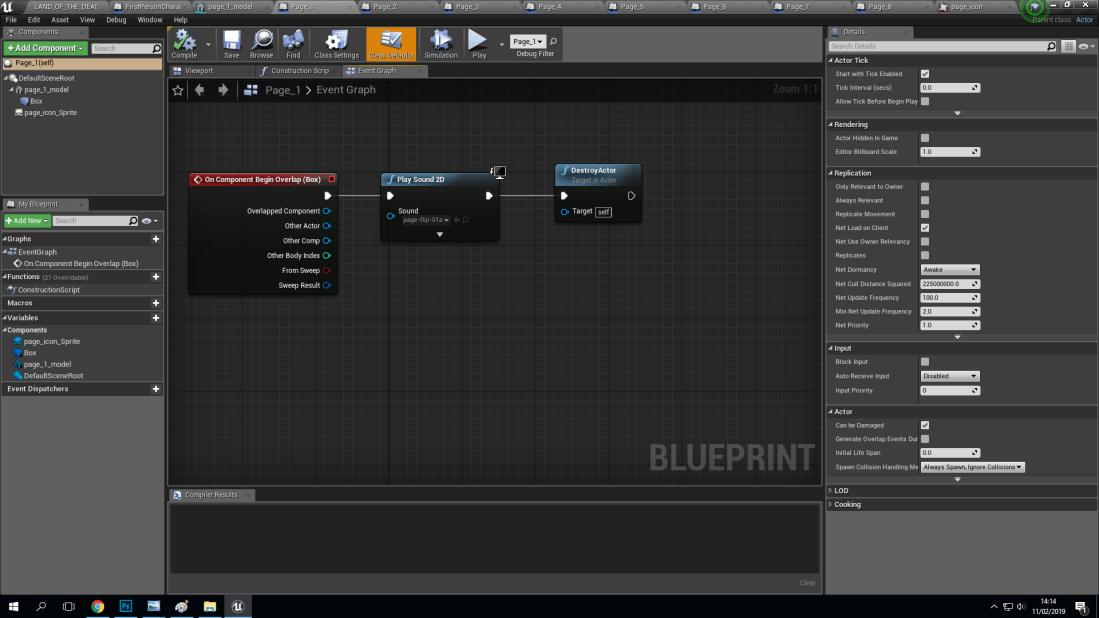
The second blueprint not only controls how fast or slow the health is drained but it also programs for that when you run out of health a sound is played to show this. This blueprint is linked up to a widget which is what the health bar is displayed on. A widget helps there be player and computer interaction as when you take damage the health bar widget deducts health from the health bar, showing that there is interaction between the player and the computer. This is known as human computer interaction. (H-C-I).
Screenshot (165)

Screenshot (166)

Screenshot (167)

Screenshot (168)

Screenshot (169)

The Pages: What Is It For?:

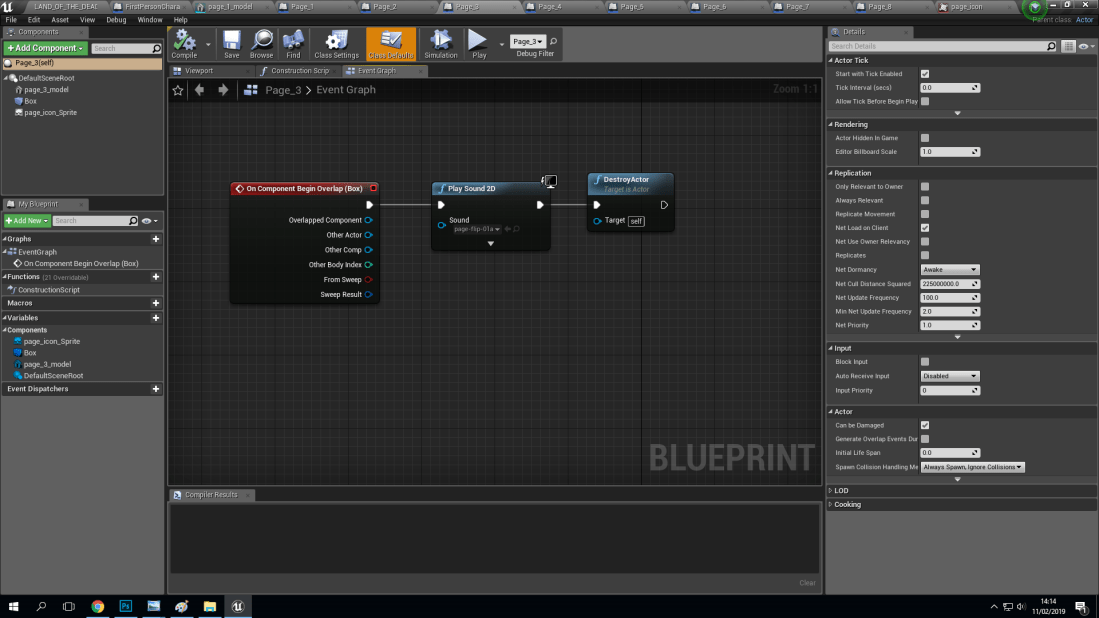
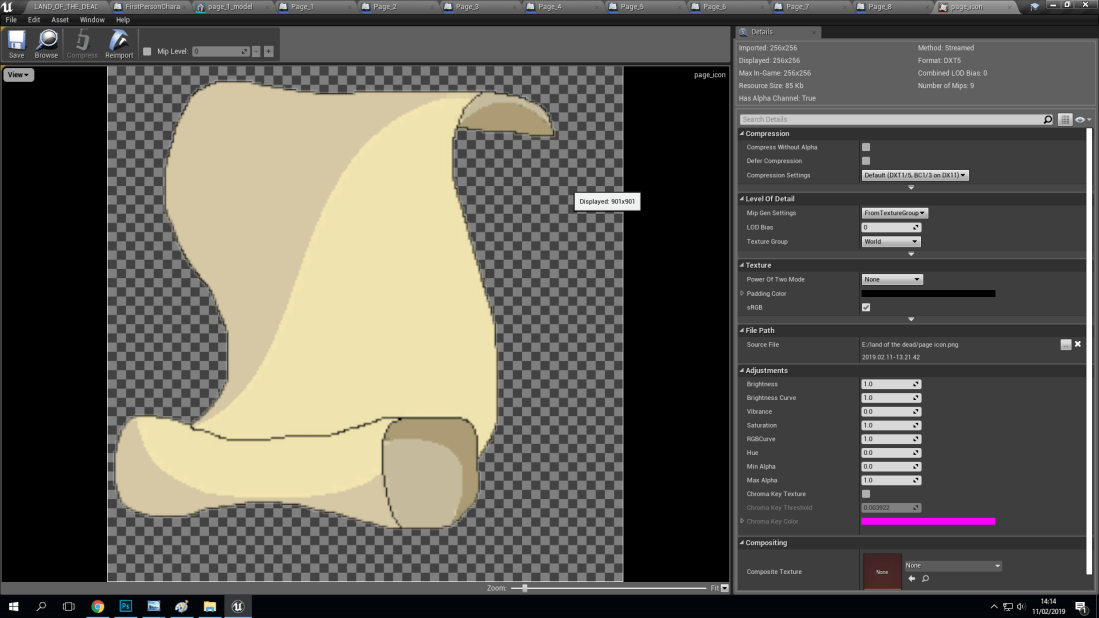
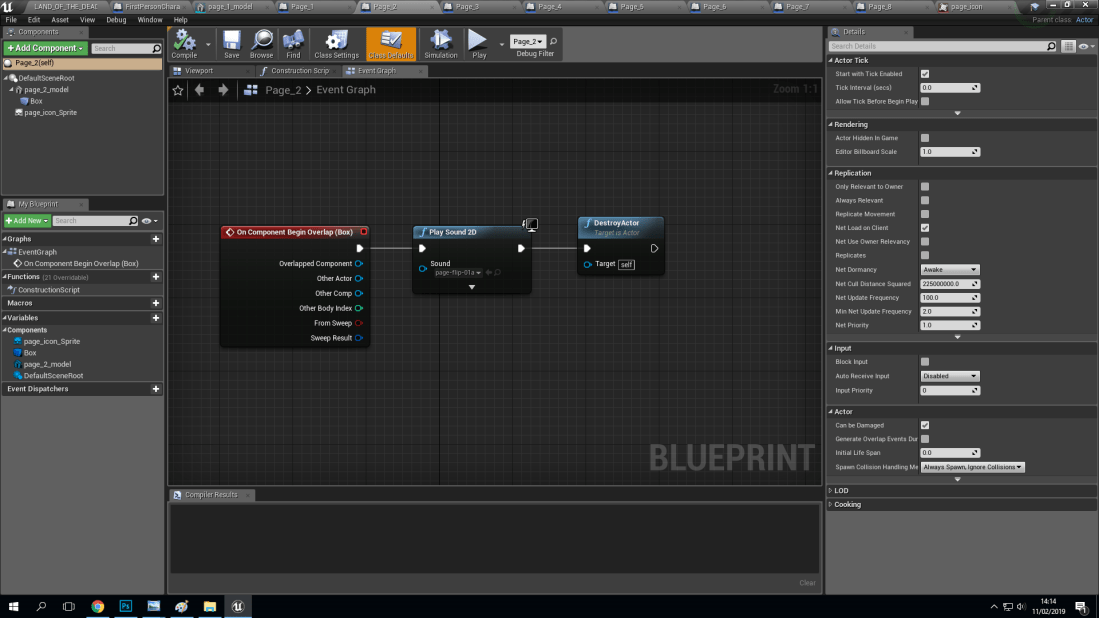
The pages are going to be collected inside of the game, meaning that when you get a page, a sound will play. This will happen when the collision boxes around the pages are triggered by the player walking or jumping into them. The icon that you see is to show that the pages have locations that you won’t be able to see with all the fog that was added to create a tense and chilling atmosphere. So the icons were added to show the locations of the pages to make it easier for the player.


Final Day: Evaluation And Final Touches:

The final day of this project, known as ‘Post-Production’ gave me and my partner Joseph time to be able to fix any last minute issues that we had with the project. An example of this would be the ‘Mini-Map’ which wouldn’t work like it should. A possible theory to why it wasn’t it working could be that ‘Mini-Maps’ are more often used in third-person open world games. Where as our project is a first person open world game. This means that there could be more steps needed to getting the ‘Mini-Map’ to work.

Mini-Map: Problems That Need Fixing!:
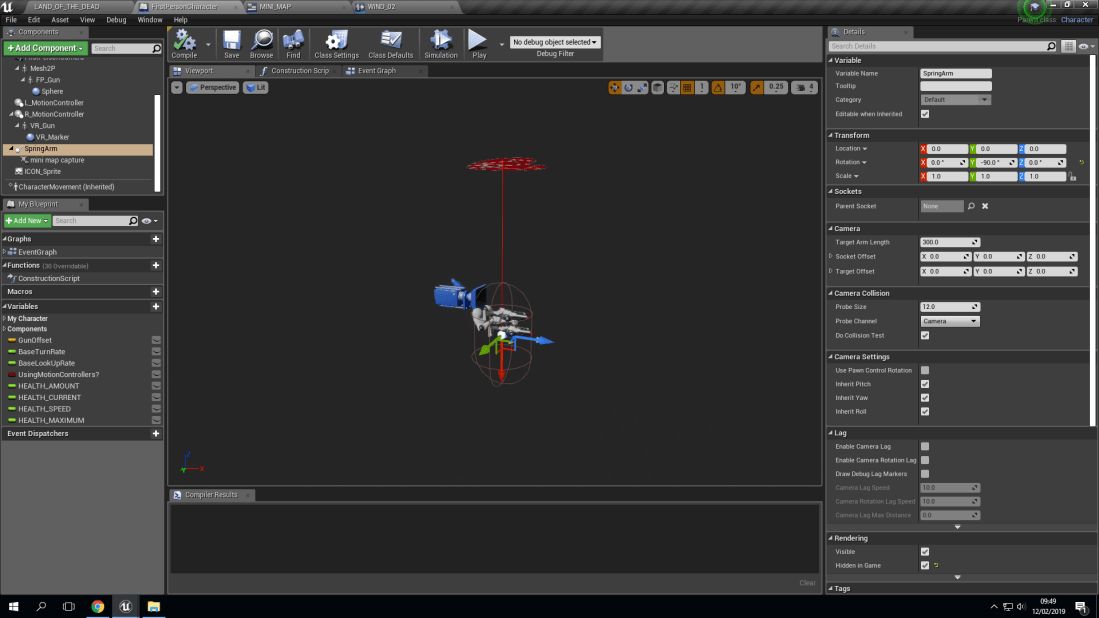
Screenshot (174)

The Problem: What Exactly Is Wrong With The Mini-Map?:

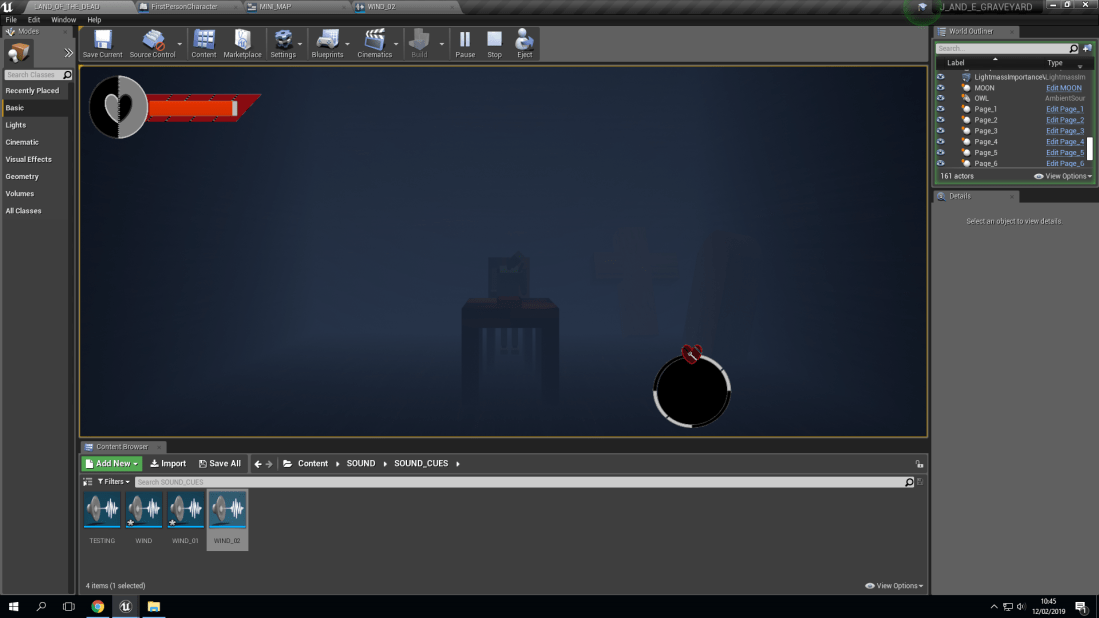
The problem with the ‘Mini-Map’ is hard to pin point exactly. I’m not sure if it’s multiple problems with the same source or if it’s multiple smaller problems with different sources. The problem that surfaced clearly is that the ‘Mini-Map’ doesn’t want to function with the display capture, which is known to be live. (This means that the display that will be shown inside the ‘Mini-Map’ isn’t showing up at all. More specifically the area where the display capture would be is just black).
Screenshot (178)

The Problem: Is There Any Theories To Why This Is Happening?:

A possible theory for why this issue has occurred is because of the minimal lighting used for the game. This means that the render capture (What captures the display to show where the player is by using an ‘Icon’, Which is known as a ‘Paper Sprite’) isn’t able to see the icon, or the player in fact to be able to show the exact location of anything with an icon.

Another possible theory for this is that as I mentioned before, Open world games that use ‘Mini-Maps’ are always in the third person. Our game is in the first person. This means that there could be more issues with the ‘Mini-Map’ because it’s a first person open world game instead or third person. (I am aware that there is a possible way to change a first person view into a third but I’m not sure on how to do such a thing. Plus there is the possibility that it will not work).
screenshot28129

The Solution: Were My Theories Incorrect?:


Evaluation: The Final Response:

In an evaluation, it can be known as a final response as you have to explain in either minor or major detail for:

  • What did I set out to achieve?
  • Did I achieve my aims?
  • What went well during production?
  • What didn’t go so well during production?
  • What have I learned during the project that will aid me next time?

Evaluation: What Did I Set Out To Achieve?:

With what I had set out out achieve I knew that I wanted to show everything that I had learned from starting in September. This is a short period of time but I was keen to learn and practice, meaning I put all if my skills and dedication into everything I have done. (Which includes this short 4 day project). With what I specifically wanted to achieve was to be able to create a creepy horror game that had ambience with sounds to create the perfect tone. (Of course there were no jump scares in the game to really make the player on edge but the skills that I have learned with sound have made it possible in my personal Opinion).

Evaluation: What Did We Set Out To Achieve?:

Myself and Joseph, As a team we had set out to create a game that was different to everyone else’s. This did mean that we had to use an older project and build up on top of that as a base but that is because the original idea that we had was too complicated for the time limit we had. (Plus for the first full day of production, Joseph was not at college due to being ill so that also took a large toll on the overall final product. But both of us as a team do think that we were efficient with equally halving the work so that the workload wasn’t all on one person but we also communicated well. All of this had made us both agree that we had set out to achieve something different but realistic and sensible.

Evaluation: Did I Achieve My Aims?:

With my Aims for this project, they were:

  • Make something old into something new and better than before

With the question of if I have achieved my aims or not, I think I have. I know that the pixel artwork that I created from scratch will show that using an old software (Ms Paint) can be used to make something new that can be used in modern day softwares. (An example of this would be Unreal Engine).

Evaluation: What Went Well During Production?:

The main things that went well during production would be that the communication myself and Joseph had was very effective. Another thing that was going well during production was the amount of work that we were able to get done in the amount of time we had per day.

Evaluation: What Didn’t Go So Well During Production?:

The only thing that didn’t go so well production was having Joseph not at college for a full day because it meant that there was only myself working on the project, meaning that took a toll on the project’s overall final design and functions.


Evaluation: What Have I Learned During The Project That Will Aid Me Next Time?:

A lesson that I have learned during this project that will aid me next time is to always make sure that both people know exactly what to do as myself and Joseph did have a few occasions when we would discuss who was doing what, which is ideal for each day of a project.


Safe And Sound:

screenshot (55)

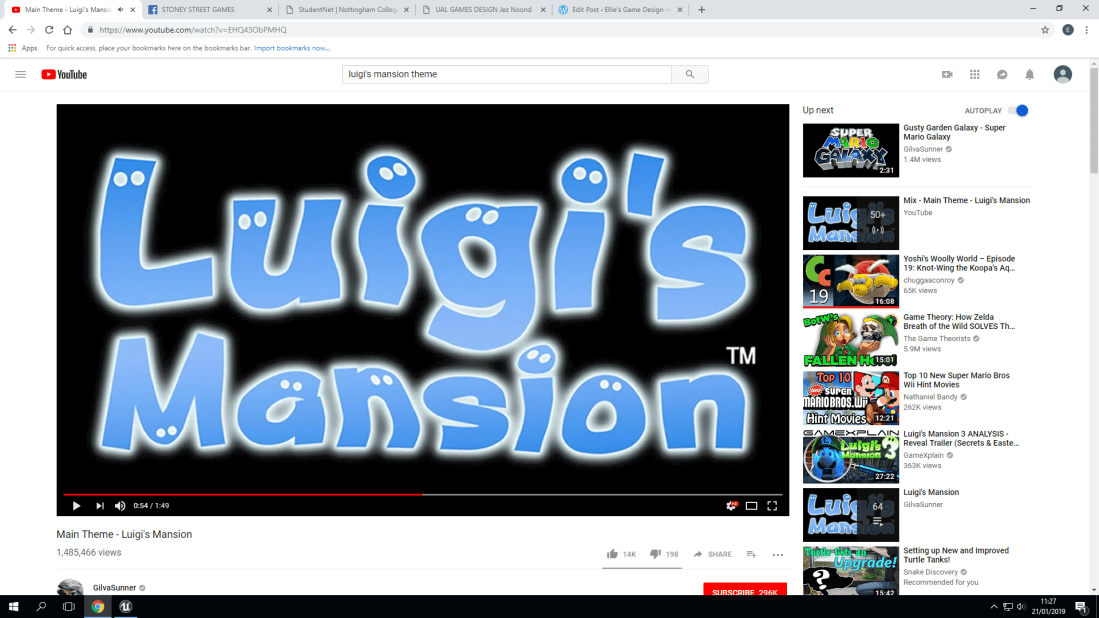
This new project is all about sound! With the sound, I decided to study different types of ambience! (Ambience means the atmosphere and character that the music creates). With the ambience created by a GameCube classic, (Luigi’s Mansion) creates a tense and unsure ambience, Since in the ambience we get to hear Luigi (The protagonist) humming to the tune that we also hear as the player. But if you have played other Mario games, Then you will know the character of the younger brother to the Nintendo hero we all know and love. The reason why I mention this is because Nintendo did this on purpose, To further give the players an uneasy sense of ambience in the sounds and music played because of the character’s vocal lines having the same ambience!

screenshot (74)

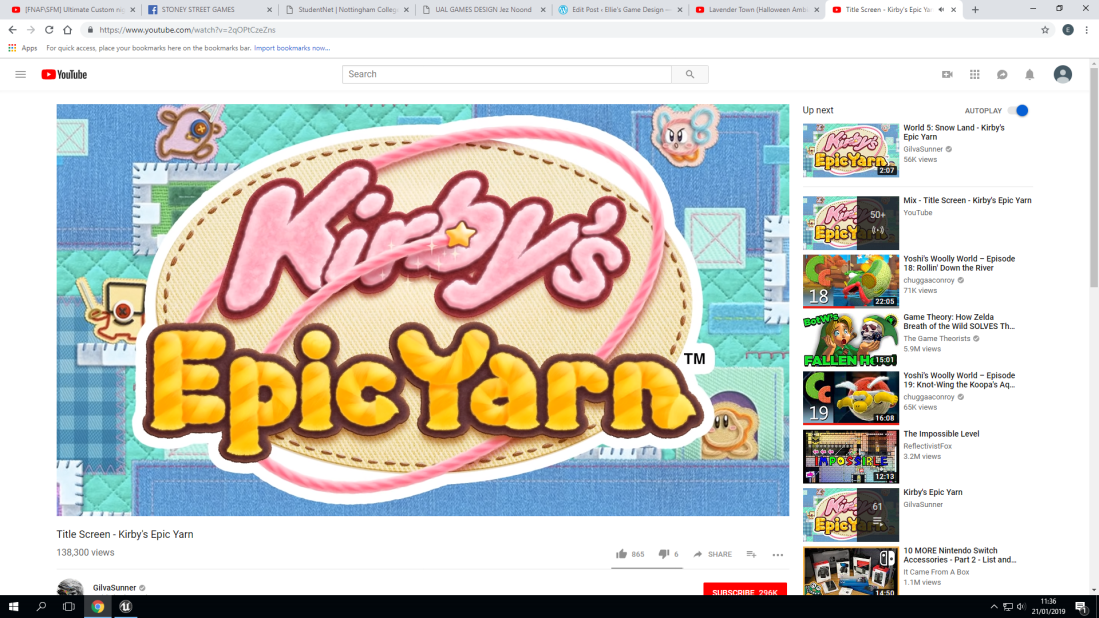
Kirby’s Epic Yarn! A personal favorite game of mine just for the ambience! The reason why this ambience is not only because of the reason above, But instead of Luigi this time it’s Kirby! A pink puffball who’s always cheery and hyperactive! For the actual theme of the ambience it’s very cheery and uplifting, similar to the personality that Kirby is known for. This is also because Nintendo mainly makes child-friendly games that fans are going to remember. This is one of those games that people remember for the amazing music (ambience).

screenshot (75)

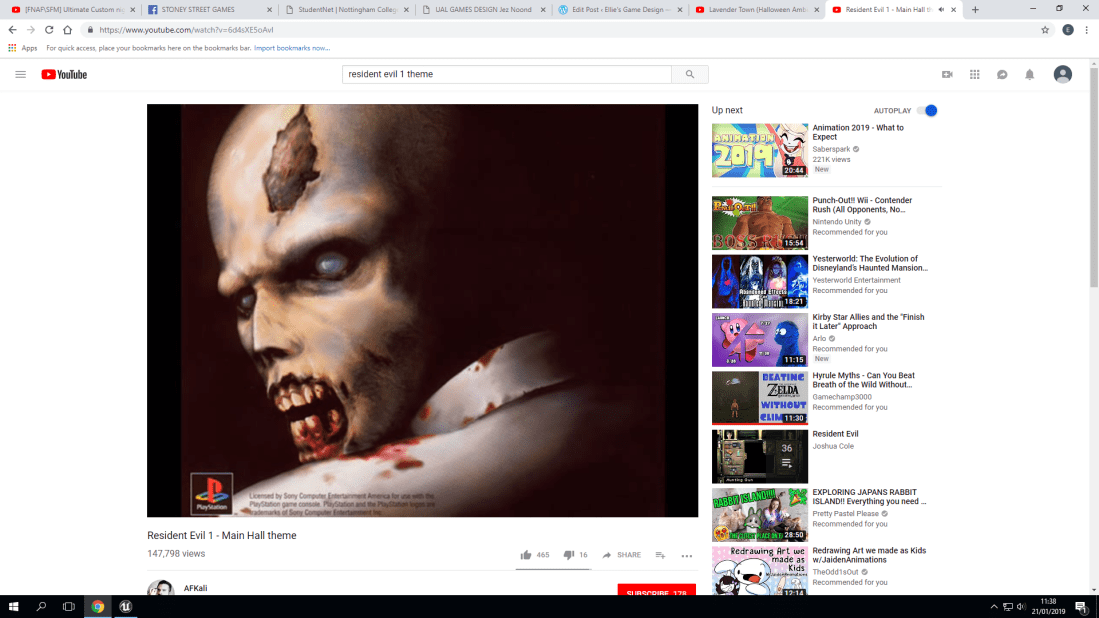
Now we move onto a more classical horror game. Resident Evil 1 (For the playstation. Not the remastered version. This is the original one). With the backstory for this game, You play as two main characters, Jill Valentine and Chris Redfield. In the game, the place that you explore is huge. However, the main hall is a place you will visit frequently. For the ambience of this it makes you very on edge. This could be because you can often find enemies near or in the main hall as you explore. But that also does mean that this ambience can also be described as ominous. You don’t know much about why you’re here or where the other characters are, Which means that this ambience plays perfectly into the story that this game tells.

Part One: 3 Types Of Sound:

The three types of sound that we learned and experimented with are called:

  • Play Sound 2D
  • Play Sound at location
  • Sound Cue with attenuation (Plays sound in the world)

Play Sound 2D: What Does It Mean?:

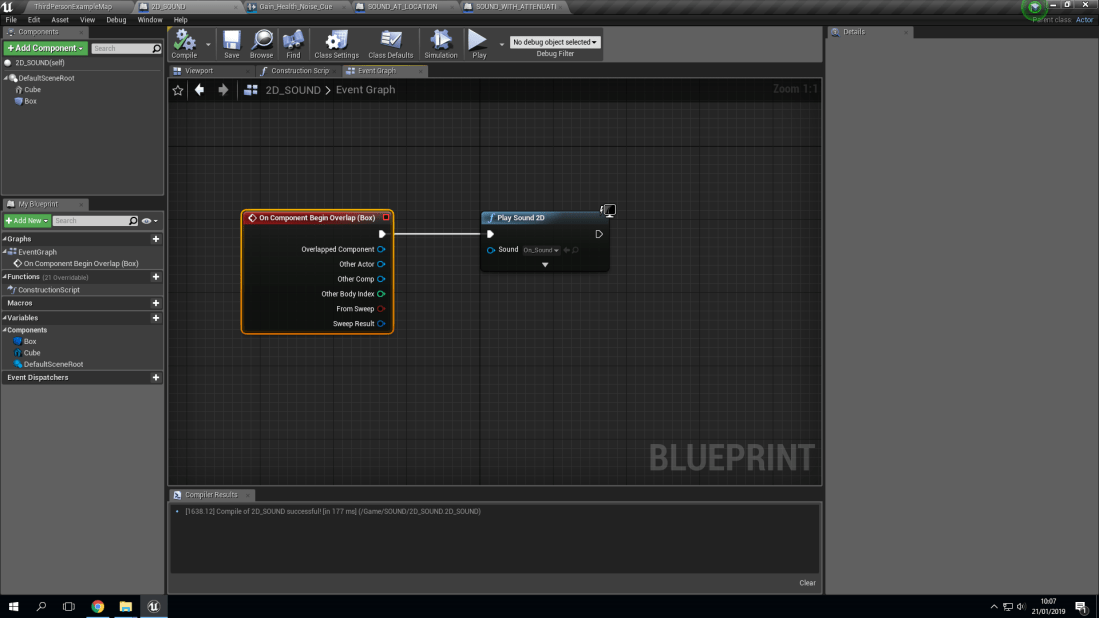
With the type of sound known as ‘Play sound 2D’ it means that the sound will be played in a 2D fashion. What this means is that it will only be heard when the collision box it’s associated with will play the sound. Which is then programmed via a blueprint to play the sound once when the collision box is triggered. For example, In my world, I made a simple cube and added a collision box to it. Then I made a blueprint inside of the collision box (Which is called ‘Box’ to stop any confusion).

screenshot284929

Play Sound At Location: What Does It Mean?:

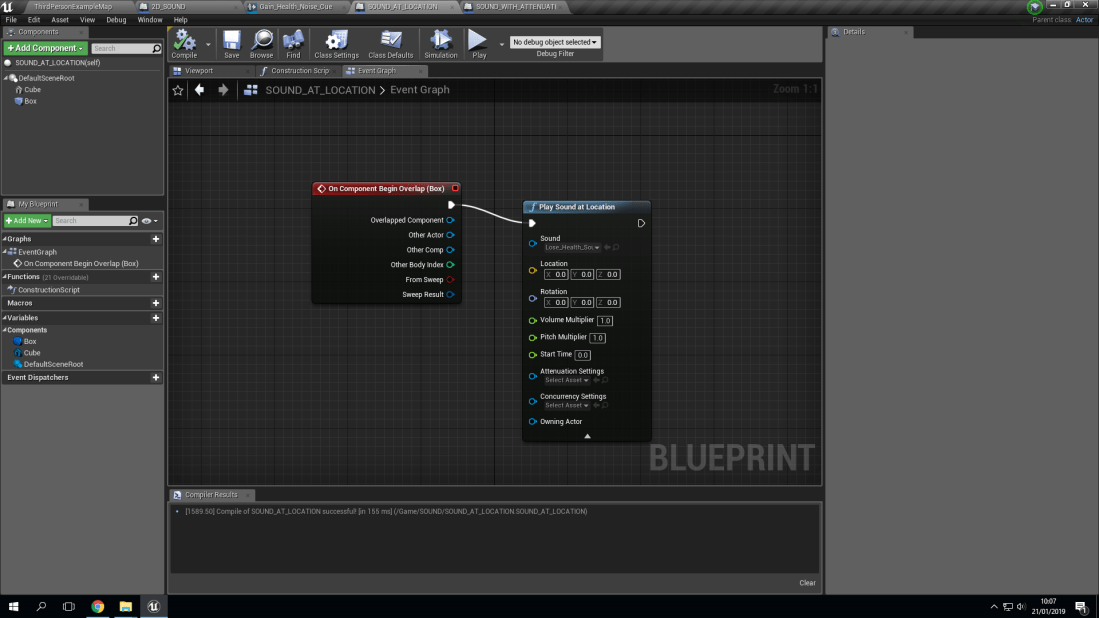
With playing a sound at a location, what this means is that you are able to program the sound to play at a certain location as long as you program it correctly. For example, if you were to program the sound to play 50 units in the x axis to your player then as soon as they trigger the collision box, the sound will play at the location that you have decided to make the sound play at.

Screenshot (51).png

Sound Cue With Attenuation: What Does It Mean?:

Attenuation is known to be defined as the reflection of a sound or an electrical current. To further define this, Attenuation can be described as how you hear sound. The further you are from the source (What is making the sound) the quieter it will be. It can be defined also with terms such as Attenuation is how much distance you have from the epicenter of the source, which means the volume will be higher or lower depending on the distance you have from the source.

Part Two: Violins And Determination:

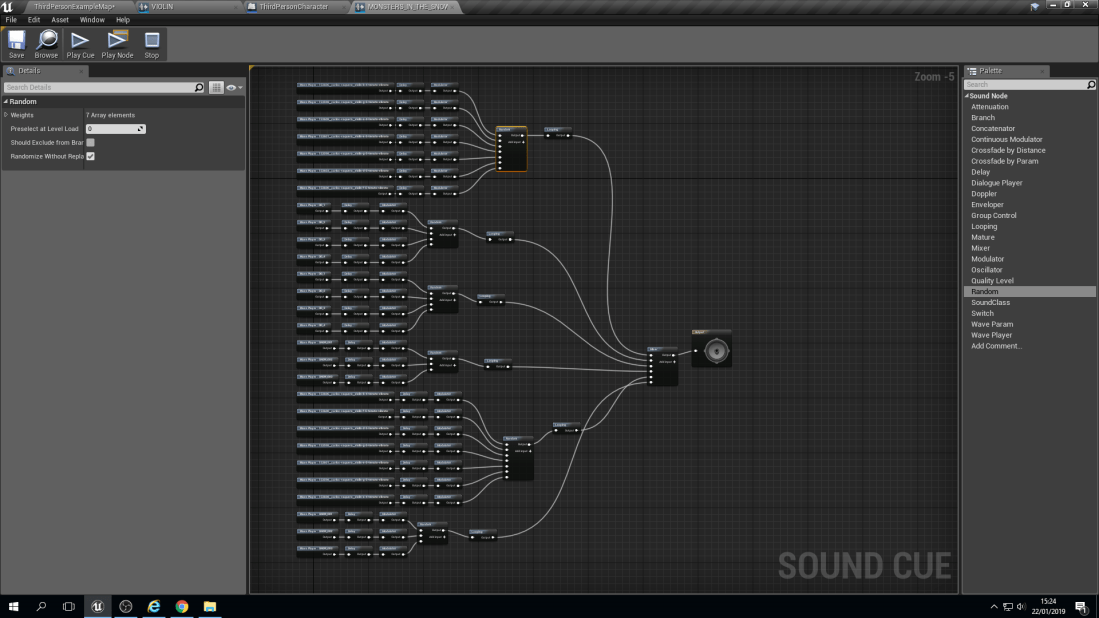
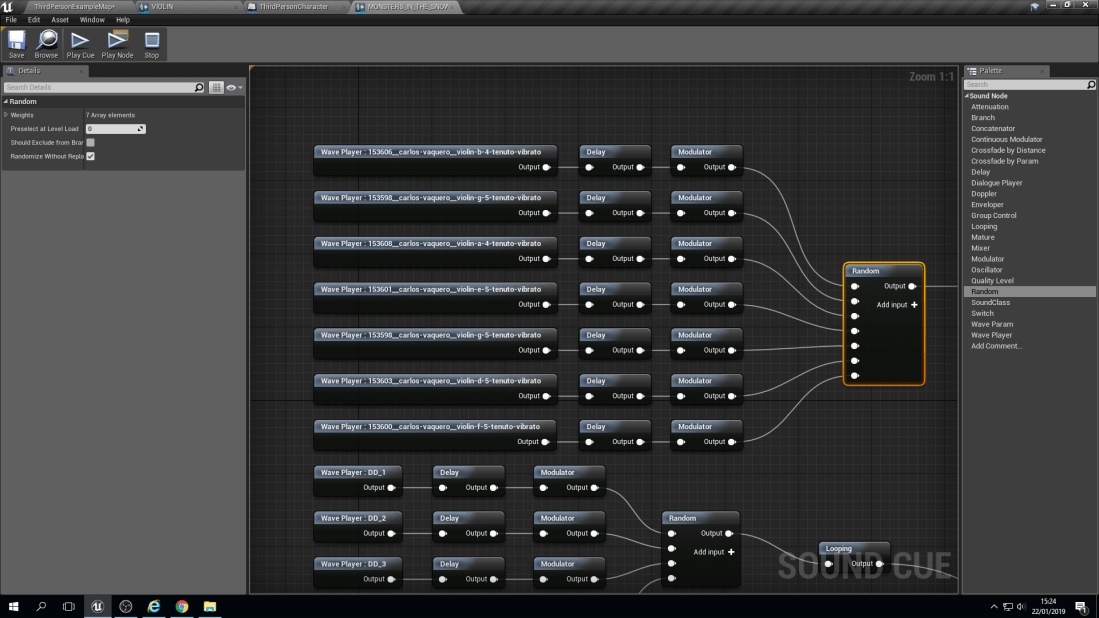
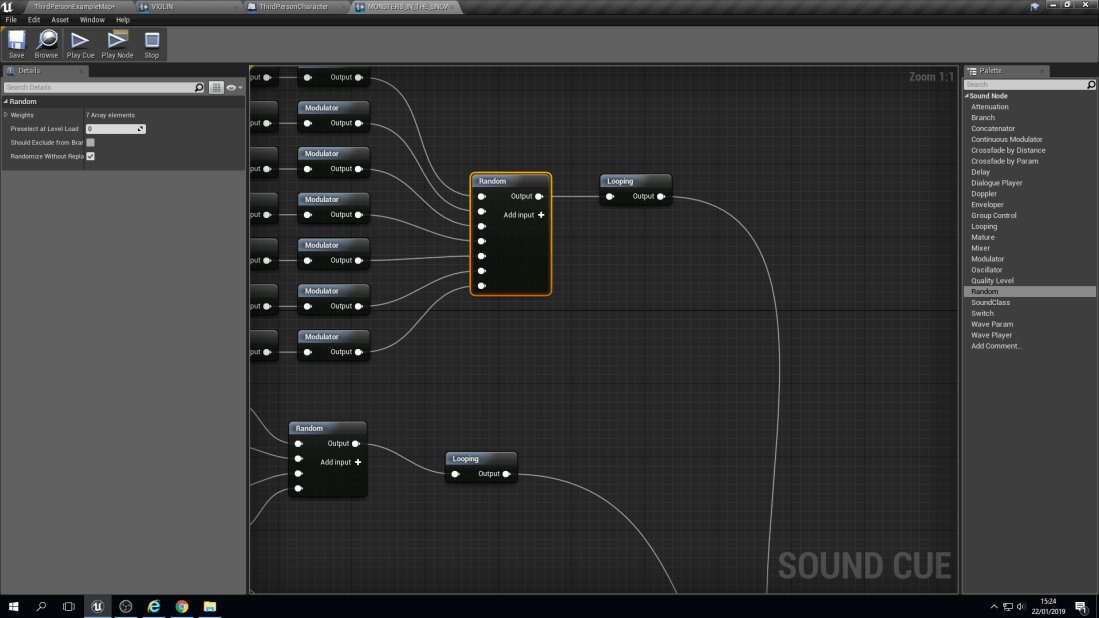
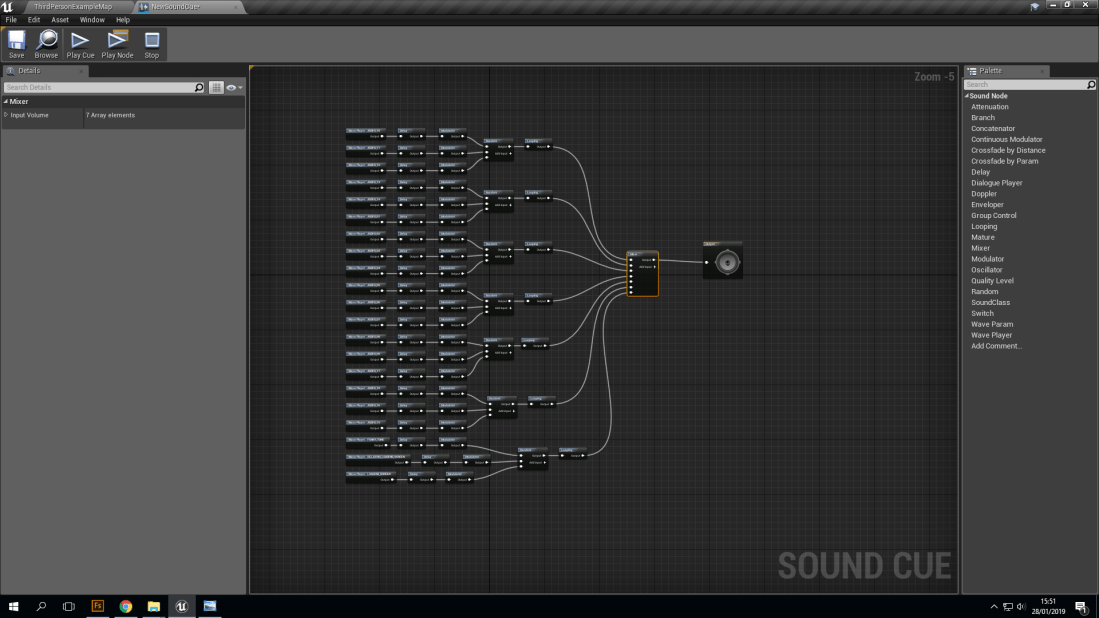
screenshot (97)screenshot (98)screenshot (99)screenshot (100)screenshot (101)screenshot (108)

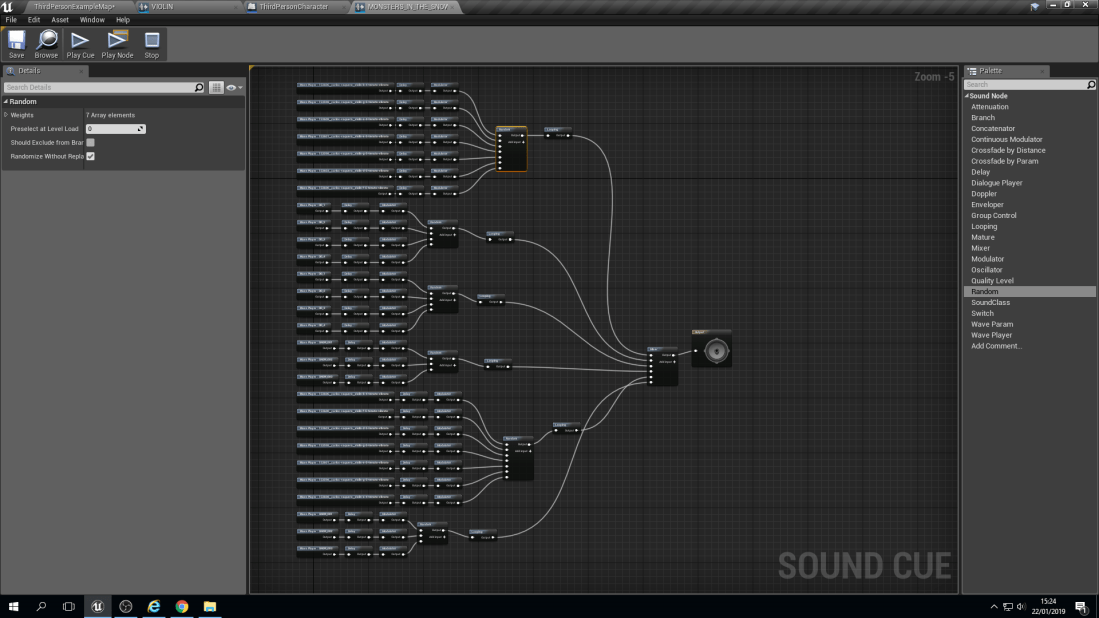
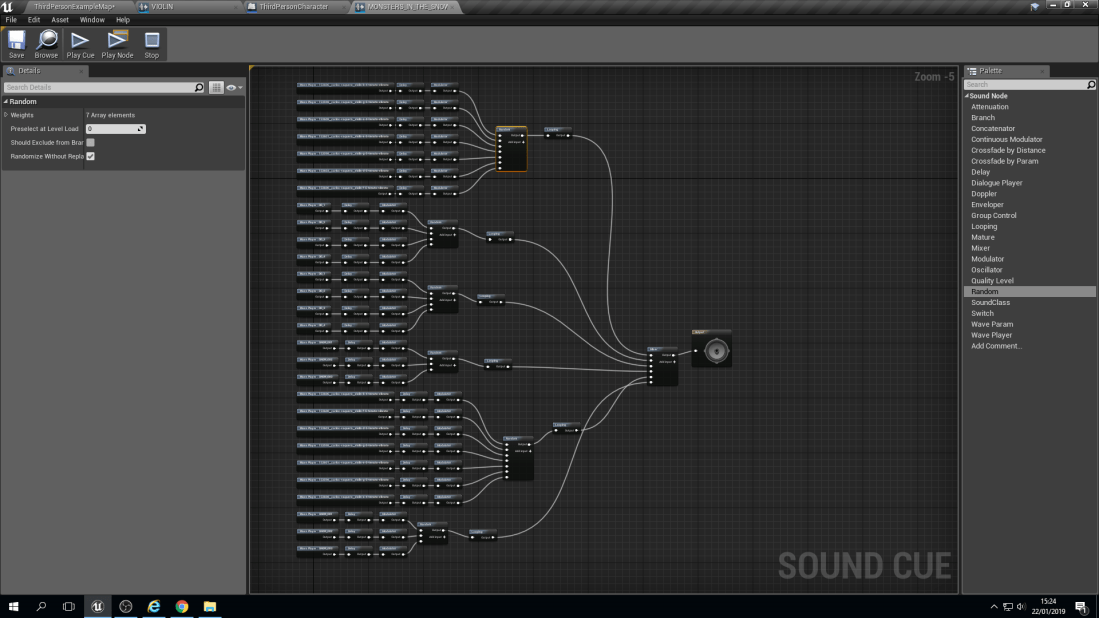
With this blueprint it does look very complex but it’s not. The way that they have been separated is into Chords. A chord is made up of 3 notes on a piano. For example, a ‘C’ chord would be ‘C’, ‘E’ and ‘G’. Then they are all individually linked up to a node known as a ‘Delay’. A delay does as it says in it’s name, It delays the sound from playing from a lowest point of delay to a highest. For example, A ‘G’ note could have a 1 second to 3 seconds delay, meaning it can play anywhere between those two numbers but no lower than 1 second and no longer than 3 seconds.

Mini-Maps: Frustration And Simplicity:

screenshot (9)


What Is A ‘Mini-Map’?:

A ‘Mini-Map’ is known to be used for open world games, such as RPG’S (Role-Playing Games) Or typical open world games. An example of this would be Legend Of Zelda: Breath Of The Wild. With ‘Open World’ games, they’re known to be extremely large, since the ‘Open’ in the name that they’re given to specify the genre of game you are playing or considering waiting to pre-order (Buying something ahead of time by making a deposit, this guarantees that you are able to get a copy of the game that you have put a pre-order down for).

For the defined definition of the term it is described to be a type of video-game that allows the player to roam freely through the virtual world (or world’s). But you are also given freedom to decide on how you complete objectives, more specifically when and how you choose to approach them. The terms “free roam”, “free-roaming” and “sandbox” are all other possible terms used to explain an ‘Open-World’ game. But they all mean the same general idea of this genre of game.

For a list of example ‘Open-World’ games, I will reccomend ones that I have personally played myself so this allows me to give my own opinion on how the ‘Mini-Map’ works, if they have one and the general way ‘Open-World’ games are in the same genre but unique in their own ways.

How Did I Make This ‘Mini-Map’?:

With this 2 day project, I was able to create this ‘Mini-Map’ with the following softwares:

  • Unreal Engine
  • Photoshop
  • Illustrator
  • Chiptone

With these following softwares, I was able to create the mini-map’s design, functions, and the overall final product because of Photoshop mainly being used (Along with Illustrator) for the final design for my mini-map along with the format file changes. It started off as a .psd (Photoshop document) to a .bmp (Bitmap) and then finally to a .png (Portable Network Graphics).

Screenshot (7).png

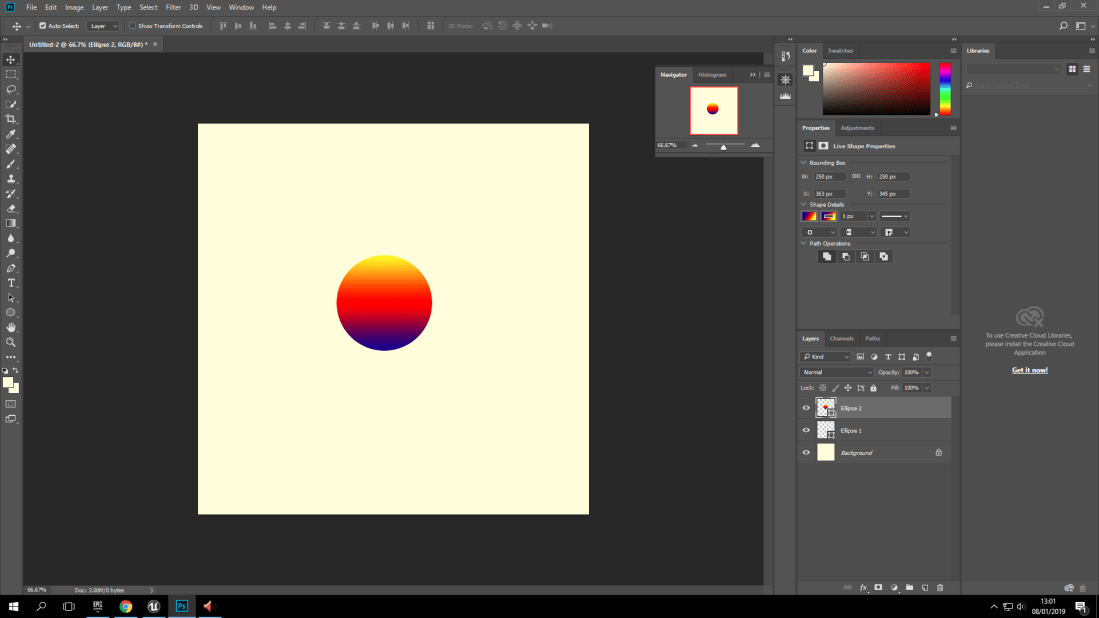
As you can see here, this is a Photoshop document (And a design I never used since I found a simpler yet more effective design. With the format file changes, This did cause a lot of frustration personally because all of the previously mentioned formats (Including the .png), Didn’t want to work for me. I had been dealing with this problem for over an hour assuming ti was because of the design so it changed a total of 3 times from frustration and my personal desire to fix the problem at hand.

screenshot (7)screenshot (9)screenshot (6)

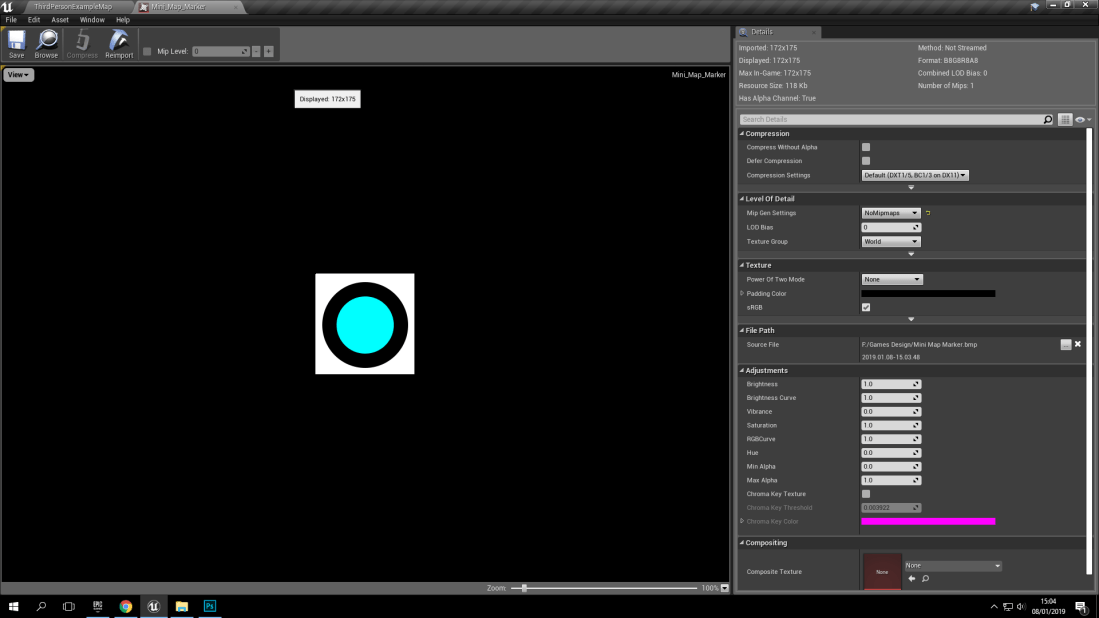
Here you can see the 3 designs that I had individually designed, (Which took time which was overall unnecessary) I decided to go with the middle design, which is a simple black circle with a smaller blue circle inside. With the actual solution to my problem, (Which was just turning the opacity map on) It honestly made me feel like I had wasted time on thinking that the design was too complex or too simple.

How Complex Is A ‘Mini-Map’?:

The process may seem very easy to some people but for it being my first ever time of creating something like this I personally found it very difficult to be able to grasp the idea of having the mini-map function like it should (Which took an awfully long time to finally figure out the problem with it).

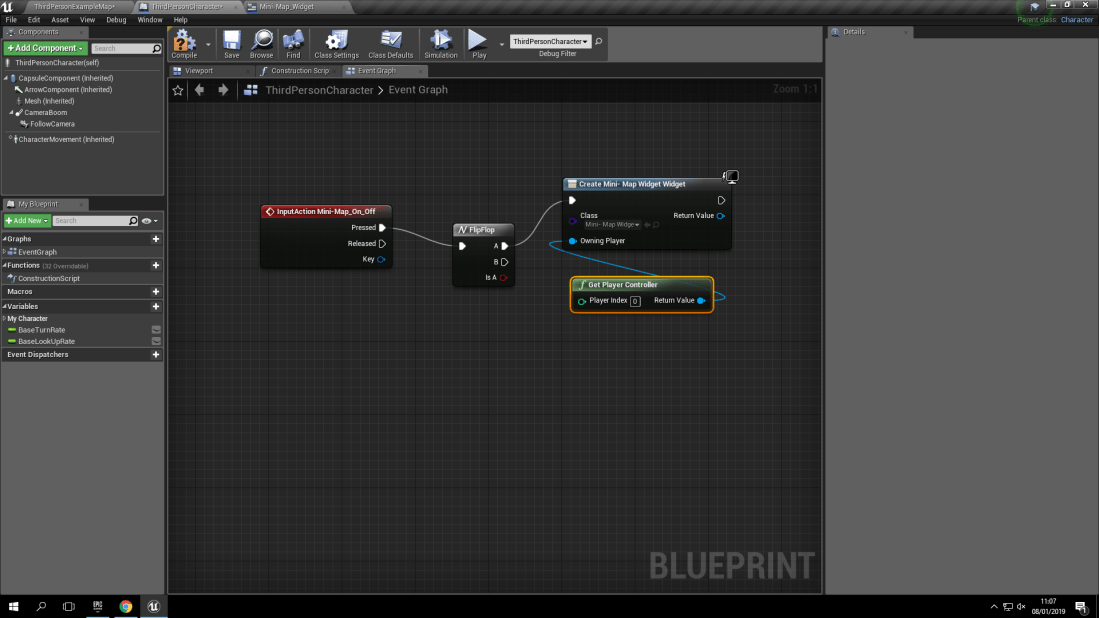
To show the overall complexity of a ‘Mini-Map’ I have taken some screenshots of the blueprint needed to show the complexity of it. I understand that this blueprint is quite short but there was steps required to make the widget, make sure it functioned and then even create a paper sprite to connect to a spring arm which connects to the player.  (What this does is that the spring arm will connect to the player directly, which means whenever the player moves, the blueprint is programmed to make the paper sprite of my marker move with the player.

screenshot (1)screenshot (2)screenshot (3)

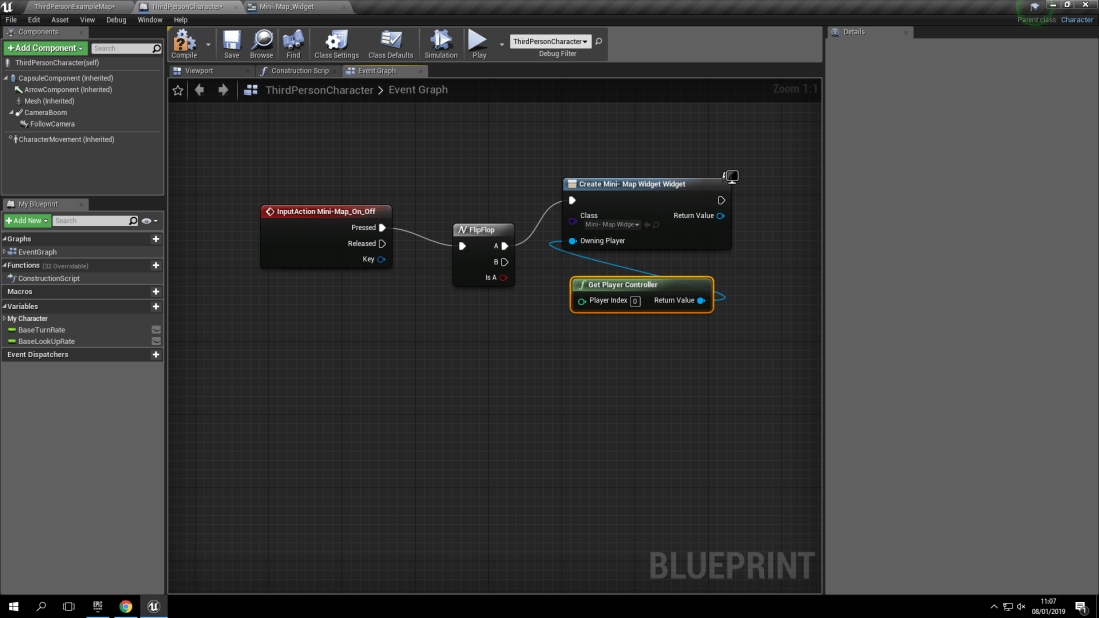
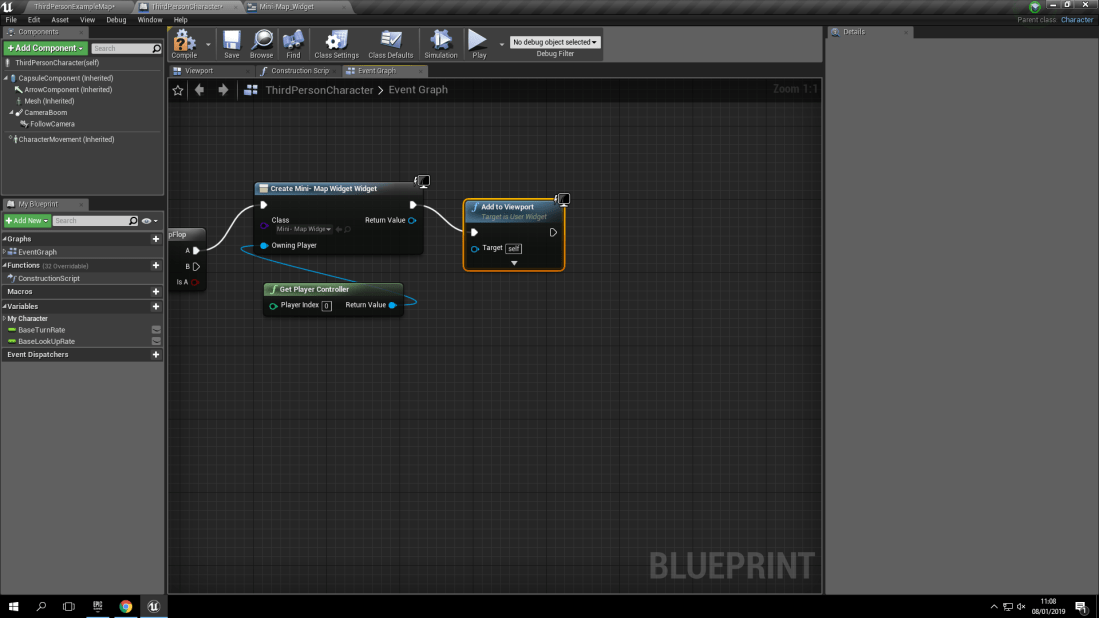
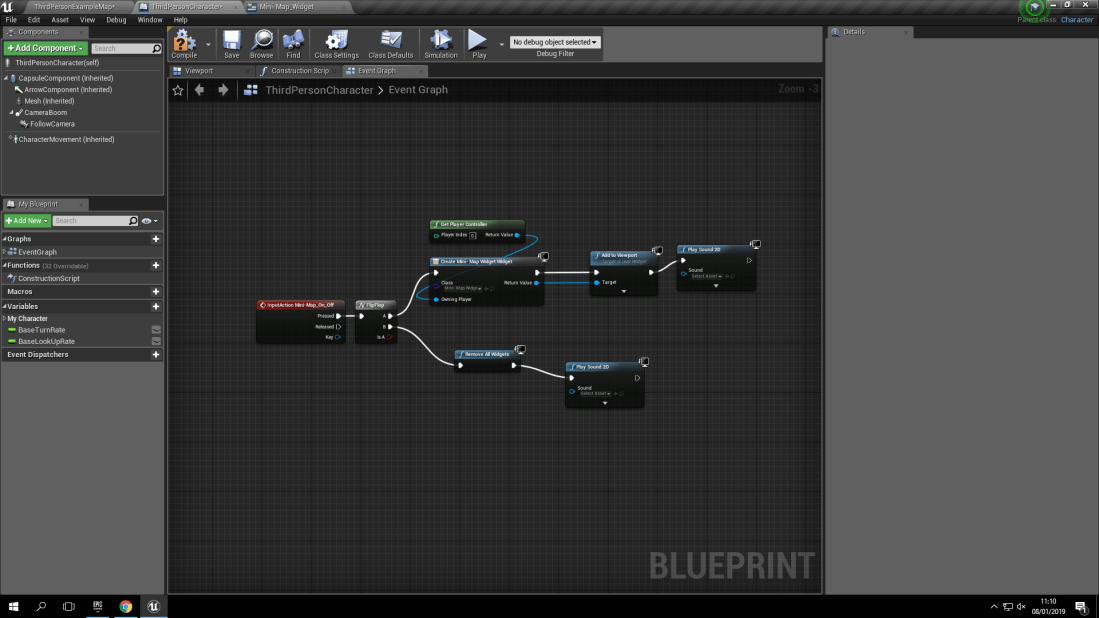
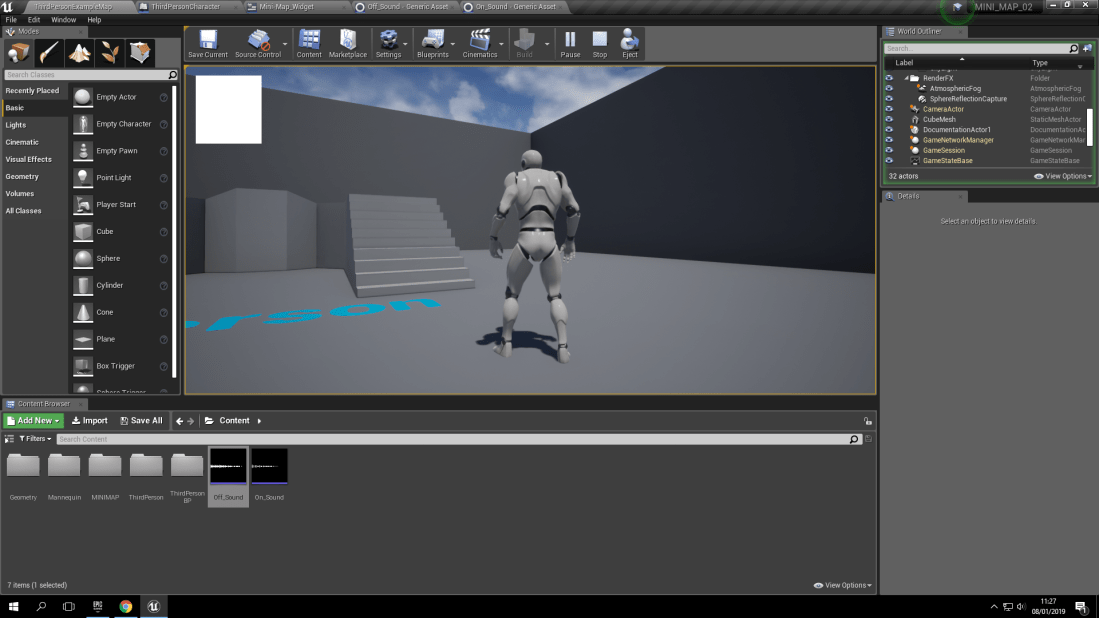
As you can see in the first three images, These are the blueprints for controlling the widget which controls the ‘Mini-Map’ coming off and onto the screen. This is controlled by the widget which will play 2 different sounds. One for the ‘Mini-Map’ coming onto the screen, And one for when it disappears from the screen. (This function is controlled by pressing the ‘m’ key on your keyboard. I made the ‘m’ key, The keyboard shortcut because of the letter being quite easy to be associated with opening and closing a map.


screenshot (10)screenshot (11)screenshot (12)

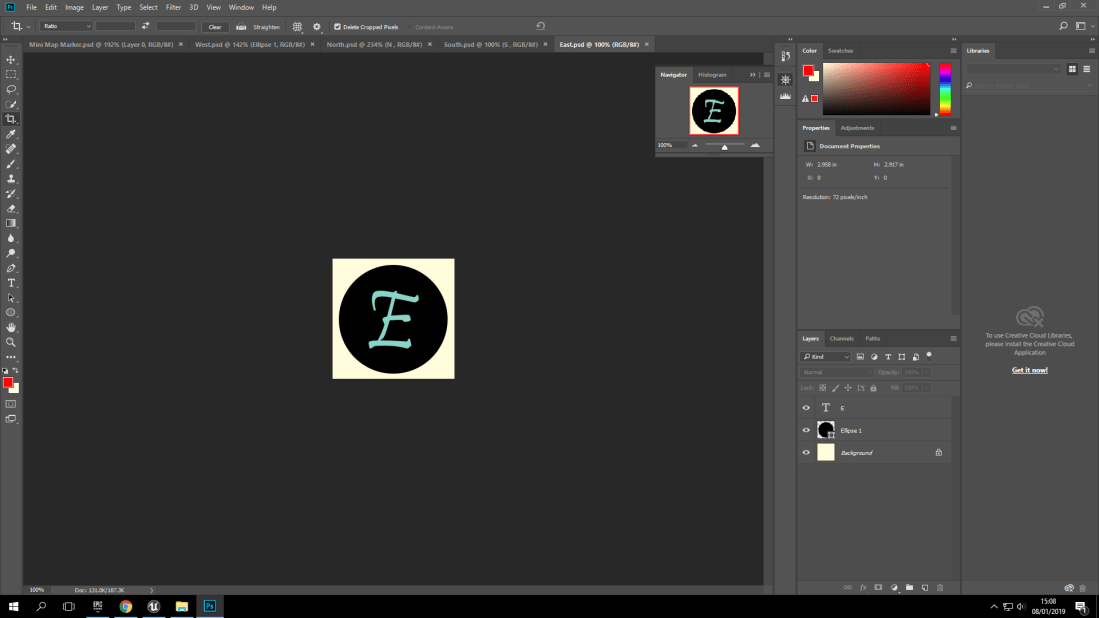
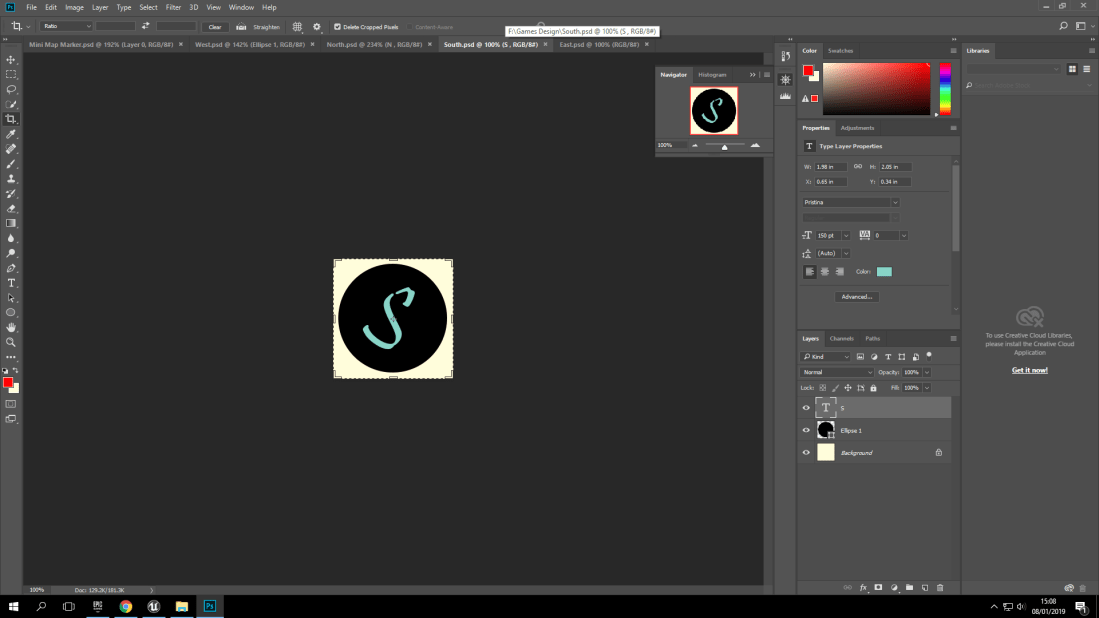
With doing my research on ‘Mini-Maps’ I found the design aspect of having your 4 main compass points on the ‘Mini-Map’ to show which direction is North, South, Etc. But I soon scrapped this idea since what was the point of having compass directions for an open world game? The whole point of open world games is to explore and discover. Not to have a ‘Mini-Map’ show which way is North.


screenshot (13)screenshot (5)

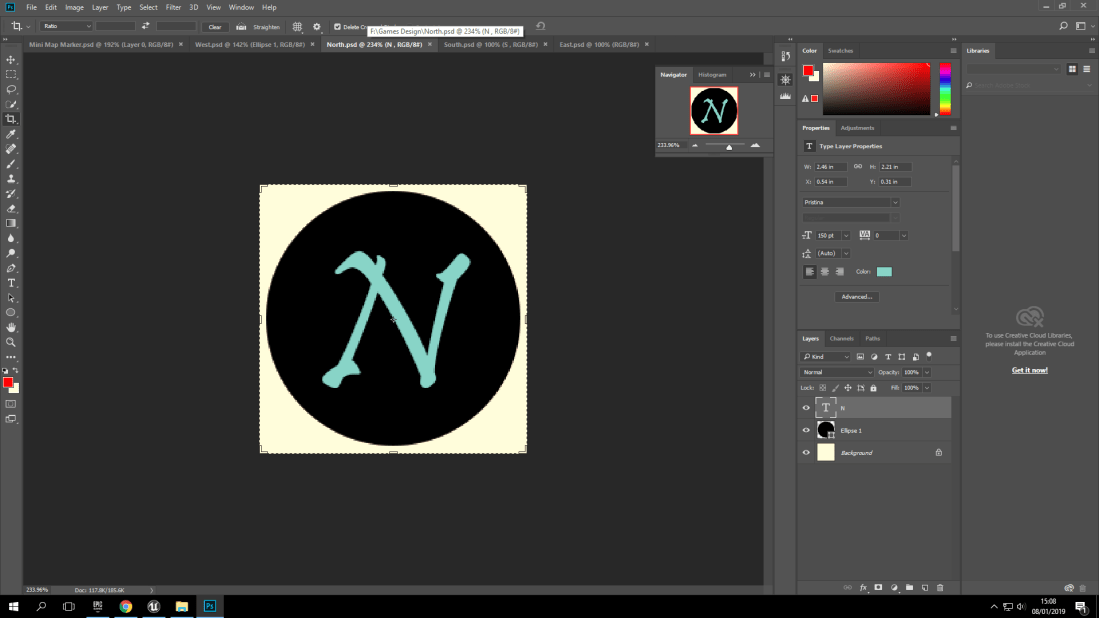
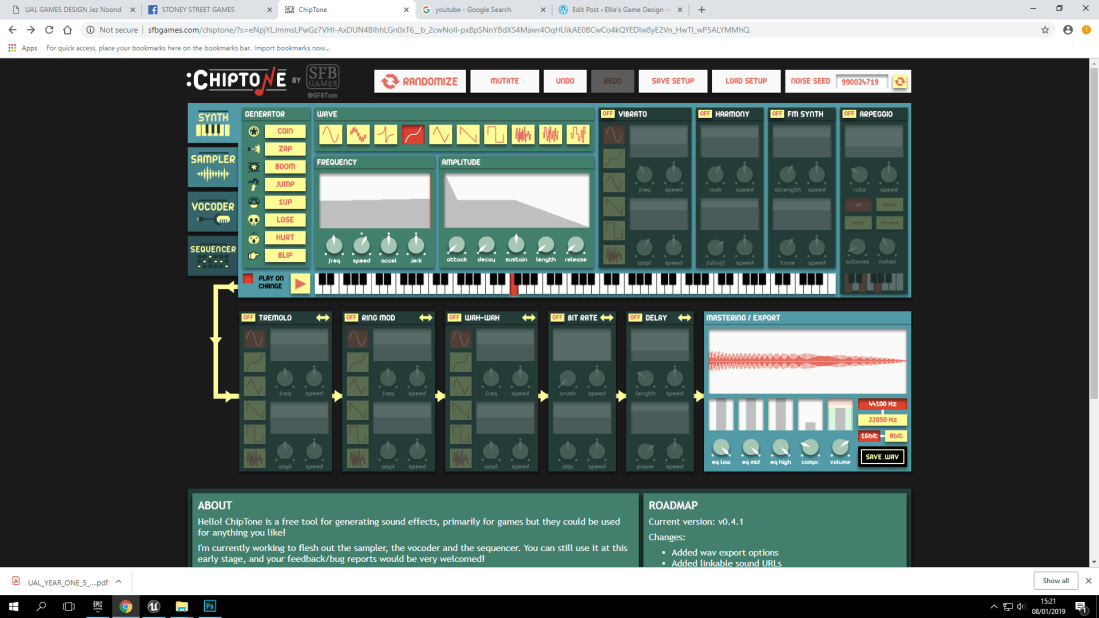
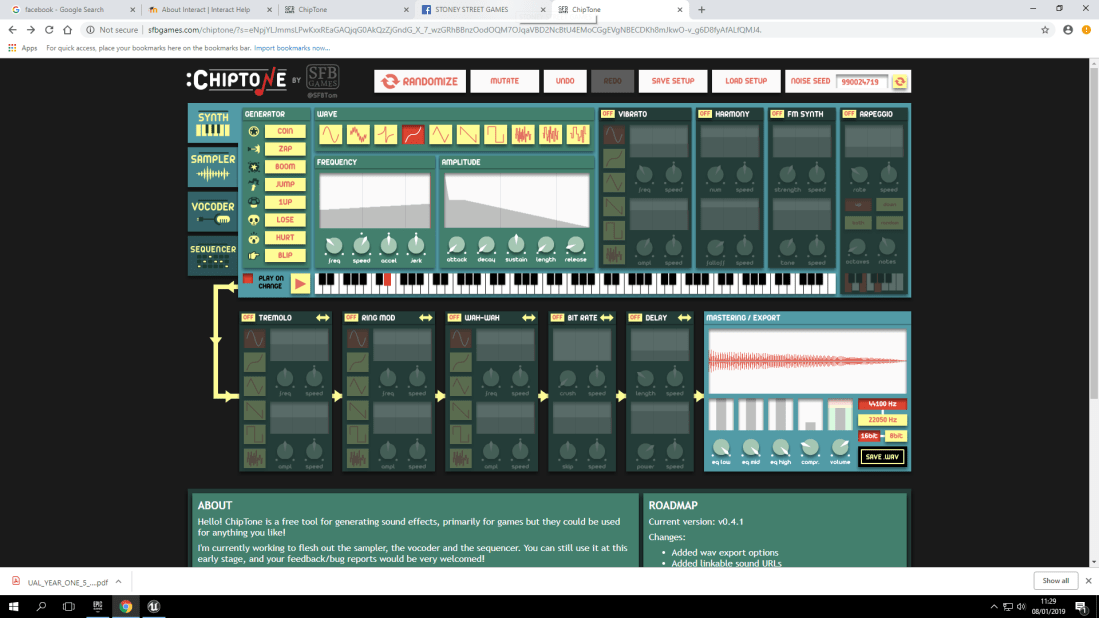
Here in these two screenshots, It shows that I used a free online software called ‘Chiptone’ for my two sounds for the ‘Mini-Map’ being turned on and off.

Where Did Things Go Wrong?:

screenshot (4)

This screenshot shows that the widget for the ‘Mini-Map’ is functional but it doesn’t show the actual ‘Map’. This was the stage where I was frustrated because so many problems happening at once. This includes the previously mentioned file format problem.

Land Of The Dead: Post-Production’s Final Evaluation

What Went Well In The Project?:

With the overall project, which was in collaboration with Joseph Hannon, the teamwork that we both had and the clear and precise communication really aided us in putting this project together.

Another thing that went well was the schedule and time keeping skills that we both had. Since we were given 4 days for production of the project, the first two were used for making all the textures, 3D polygon models, animations, sounds, etc. The final two days were used for importing everything into the game engine (Unreal Engine 4) and then placing all the polygon models into separate blueprints so that when we needed a certain piece, for example a gate corner, we had the piece already made so we didn’t have to waste time creating them over and over again.

A final thing that had went well for the production of this project would be that we never had any problems with any of the softwares crashing while we were working or losing our work. This may have been because I had labelled every texture that I worked on accordingly and made sure that I saved regularly so that if anything had happened I would have something to work on.

What Did I Personally Set Out To Achieve With This Project?:

With the project, I personally wanted to show that I have improved as a ‘Games Design Student’ as I have learned so much from my last project as I have personally learned and gained more confidence with 3D Studio Max as a few weeks ago I didn’t like the software as I found it hard and complicated to make models inside of it. Another thing that I wanted to personally achieve with this project was to be able to help my collaboration partner and have a say in the project’s development on his and my side. This is not only decision making skills but communication and being able to compromise.

Did I Achieve My Personal Aims?:

With the personal aims/targets that I have set for myself, I feel like I have achieved them but not to my own personal standards. With showing that I have improved I know that I’ve showed it with the overall outcome of the project but I know personally that I’m not entirely happy with the project’s outcome. This is because of knowing my own capabilities and that I can step up to the challenge. I personally believe that I just made a safe move by doing another graveyard where I could have done something different, like an ‘Alice In Wonderland’ inspired environment with items being all over the place and there being bright, pastel colours.

What Didn’t Go So Well With The Project?:

With this project, It was a very successful production experience however, One thing that didn’t work as I would have liked was the character rig. We had two days to make it and the process of it being created was rushed. The limbs and joints could have had some more complex shapes rather than just having cubes/cuboids.

What Would I Change Next Time?:

Next time, When the next project comes along I will make sure to make it more challenging to push myself as I know that I will keep on improving and making mistakes to help me learn and gain knowledge for the next project.

Land Of The Dead: Production Day 3:

Day 3 of production wasn’t the best day so far. This is because of how frustrating it was to solve problems happening with all of the softwares I was using in collaboration with Joseph Hannon.

This slideshow requires JavaScript.

With all of the work that myself and Joseph have done over the past 3 days, for the fourth and final production day we are really bringing out all of the tools and tricks we have learned to make this graveyard as scary and realistic as possible. This does include some textures needing to be fixed, atmospheric fog and a night-sky dome but these will keep us busy for the fourth day which we have planned for it to be about final touches and adding smaller details.

As a quick side note, as this is being published all of the progress we made on the third day is no longer on my hard drive. I’m not sure how this occurred but as a result of this things will have to be cut out of the final end product so that we can meet our deadline.

Land Of The Dead: Production Days 1 And 2:

With the first day of production, I was making sure that the textures were completed and looking to the idea and theme that we had, which is a graveyard.

This slideshow requires JavaScript.

Here you can see the long process of how I have created some of the textures for our environment like game. The reason why I didn’t show every single texture is because of the number of textures I had created would have easily taken up over 100 screenshots.

For the second day, I was yet again focused on textures for most of the day but this time it was mainly testing the textures out on the 3D models, creating normal, diffuse and specular maps, and finally having a photoshop file copy and a bitmap copy.

Eadweard Muybridge: Who He Was And What He Did:

Eadweard Muybridge was known for his discovery of stop motion animation. This means that in his early study of photography he was able to capture motion in single framed images. This means when they’re played at 40 or more frames per second it tricks our eyes and mind into it actually moving when it’s just rapidly changing photographs.

This slideshow requires JavaScript.

As you can see, the multiple pictures taken show us the process of movement that a horse will take to run. But this also showed how to make animations because without this study, there would be no animation like what we have today.

Simple Characters

In the third 2 day project, it was called ‘Simple Characters’. I just want to point out this project isn’t finished as I had to leave on the second day half way through because of an allergic reaction occuring.

To start off the process I began with creating cubes which would form the body parts.


Characters That Break Or Make Stereotypes (Female Protagonists):

Introduction:

In the past, there has been inequality between male and female protagonists. This is because when games were first introduced, up until even present day there aren’t too many main protagonists of the female gender. However, when there are female protagonists they’re often given exaggerated features that aren’t necessarily needed. Some example of this would be:

Samus Aran (Zero-Suit And Suit) (Metroid):

With Samus Aran, the main protagonist of the entire Metroid series, is known to be an hero with an armored  suit who never shows their face in the duration of most of the games until the ending scenes. This is where we see Samus Aran without the suit.