What Is A ‘Mini-Map’?:
A ‘Mini-Map’ is known to be used for open world games, such as RPG’S (Role-Playing Games) Or typical open world games. An example of this would be Legend Of Zelda: Breath Of The Wild. With ‘Open World’ games, they’re known to be extremely large, since the ‘Open’ in the name that they’re given to specify the genre of game you are playing or considering waiting to pre-order (Buying something ahead of time by making a deposit, this guarantees that you are able to get a copy of the game that you have put a pre-order down for).
For the defined definition of the term it is described to be a type of video-game that allows the player to roam freely through the virtual world (or world’s). But you are also given freedom to decide on how you complete objectives, more specifically when and how you choose to approach them. The terms “free roam”, “free-roaming” and “sandbox” are all other possible terms used to explain an ‘Open-World’ game. But they all mean the same general idea of this genre of game.
For a list of example ‘Open-World’ games, I will reccomend ones that I have personally played myself so this allows me to give my own opinion on how the ‘Mini-Map’ works, if they have one and the general way ‘Open-World’ games are in the same genre but unique in their own ways.
How Did I Make This ‘Mini-Map’?:
With this 2 day project, I was able to create this ‘Mini-Map’ with the following softwares:
- Unreal Engine
- Photoshop
- Illustrator
- Chiptone
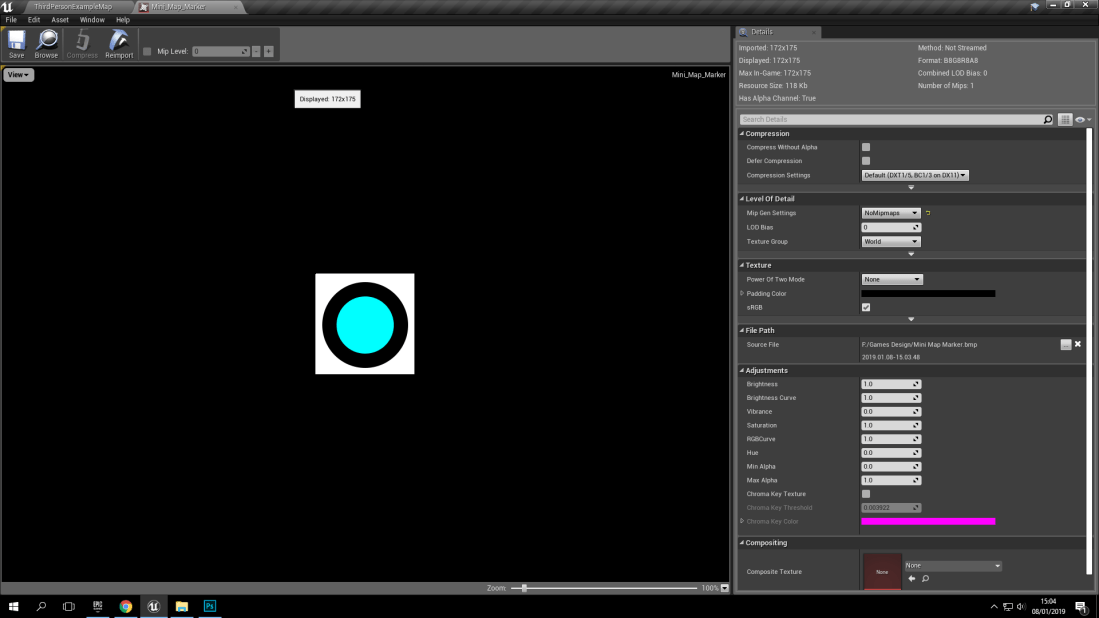
With these following softwares, I was able to create the mini-map’s design, functions, and the overall final product because of Photoshop mainly being used (Along with Illustrator) for the final design for my mini-map along with the format file changes. It started off as a .psd (Photoshop document) to a .bmp (Bitmap) and then finally to a .png (Portable Network Graphics).
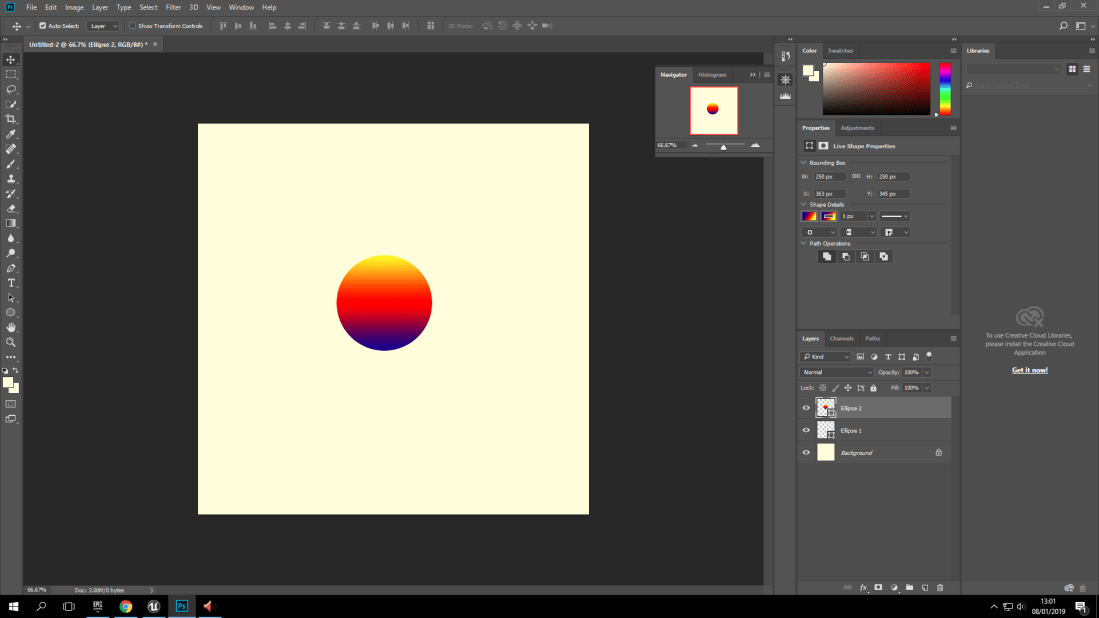
As you can see here, this is a Photoshop document (And a design I never used since I found a simpler yet more effective design. With the format file changes, This did cause a lot of frustration personally because all of the previously mentioned formats (Including the .png), Didn’t want to work for me. I had been dealing with this problem for over an hour assuming ti was because of the design so it changed a total of 3 times from frustration and my personal desire to fix the problem at hand.
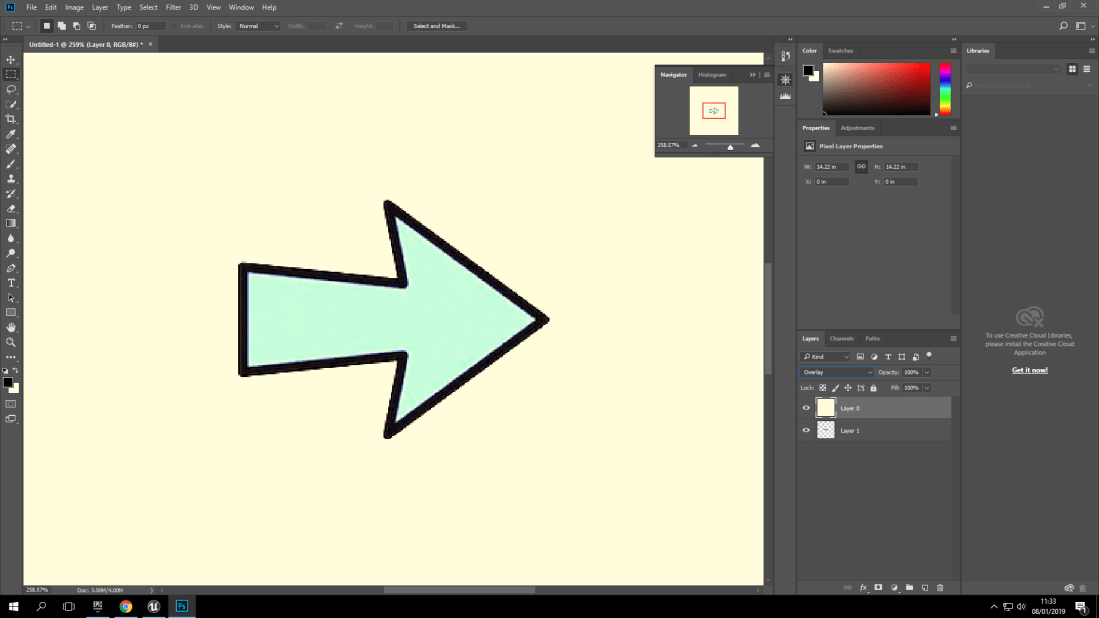
Here you can see the 3 designs that I had individually designed, (Which took time which was overall unnecessary) I decided to go with the middle design, which is a simple black circle with a smaller blue circle inside. With the actual solution to my problem, (Which was just turning the opacity map on) It honestly made me feel like I had wasted time on thinking that the design was too complex or too simple.
How Complex Is A ‘Mini-Map’?:
The process may seem very easy to some people but for it being my first ever time of creating something like this I personally found it very difficult to be able to grasp the idea of having the mini-map function like it should (Which took an awfully long time to finally figure out the problem with it).
To show the overall complexity of a ‘Mini-Map’ I have taken some screenshots of the blueprint needed to show the complexity of it. I understand that this blueprint is quite short but there was steps required to make the widget, make sure it functioned and then even create a paper sprite to connect to a spring arm which connects to the player. (What this does is that the spring arm will connect to the player directly, which means whenever the player moves, the blueprint is programmed to make the paper sprite of my marker move with the player.
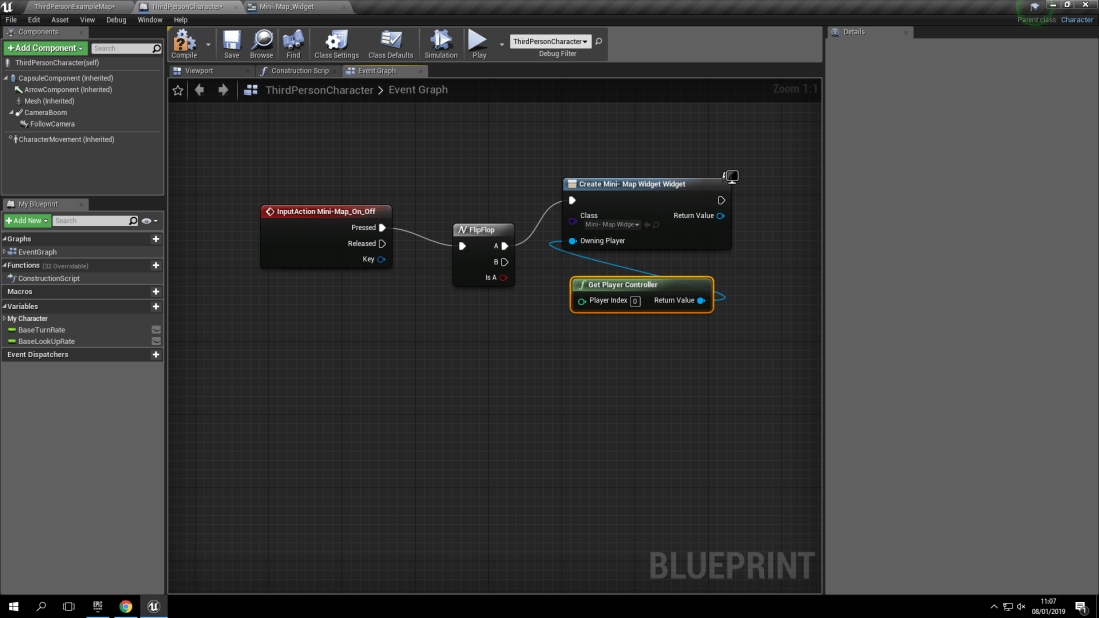
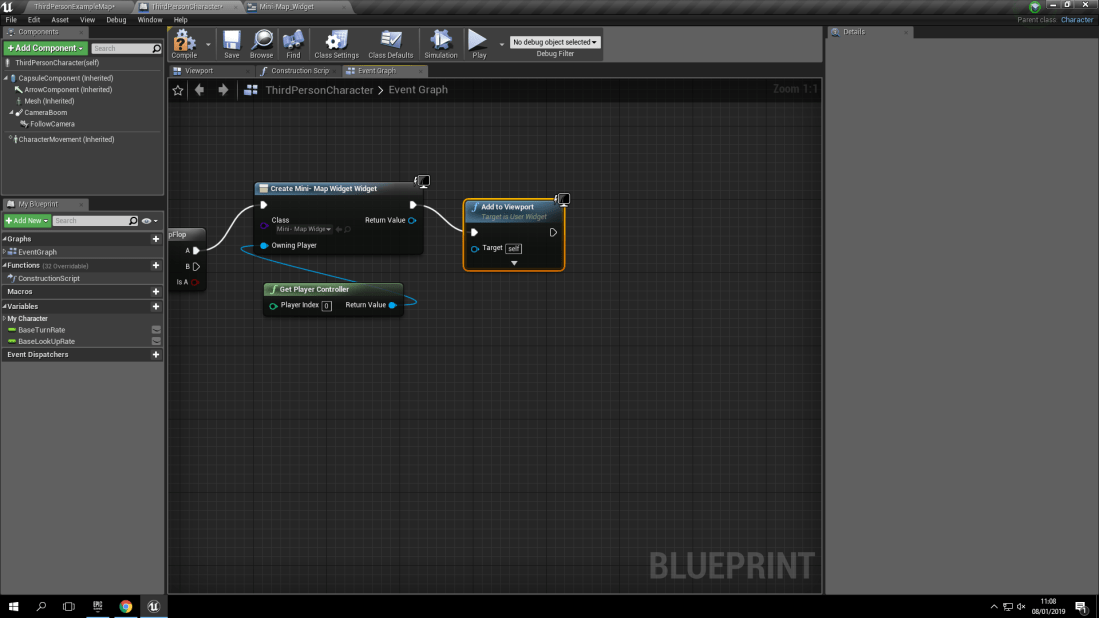
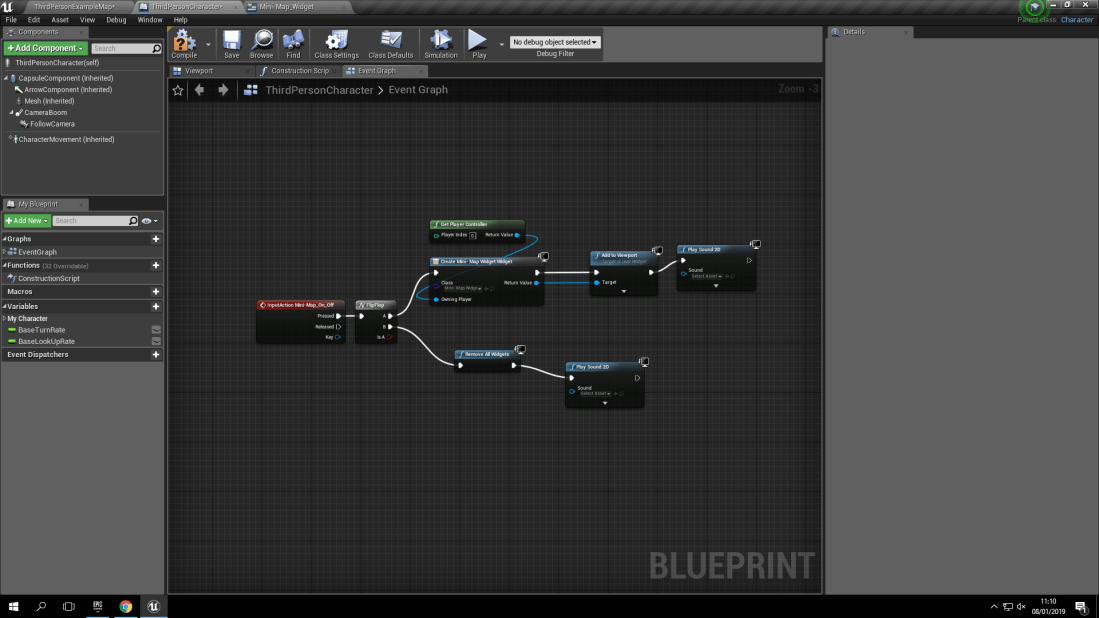
As you can see in the first three images, These are the blueprints for controlling the widget which controls the ‘Mini-Map’ coming off and onto the screen. This is controlled by the widget which will play 2 different sounds. One for the ‘Mini-Map’ coming onto the screen, And one for when it disappears from the screen. (This function is controlled by pressing the ‘m’ key on your keyboard. I made the ‘m’ key, The keyboard shortcut because of the letter being quite easy to be associated with opening and closing a map.
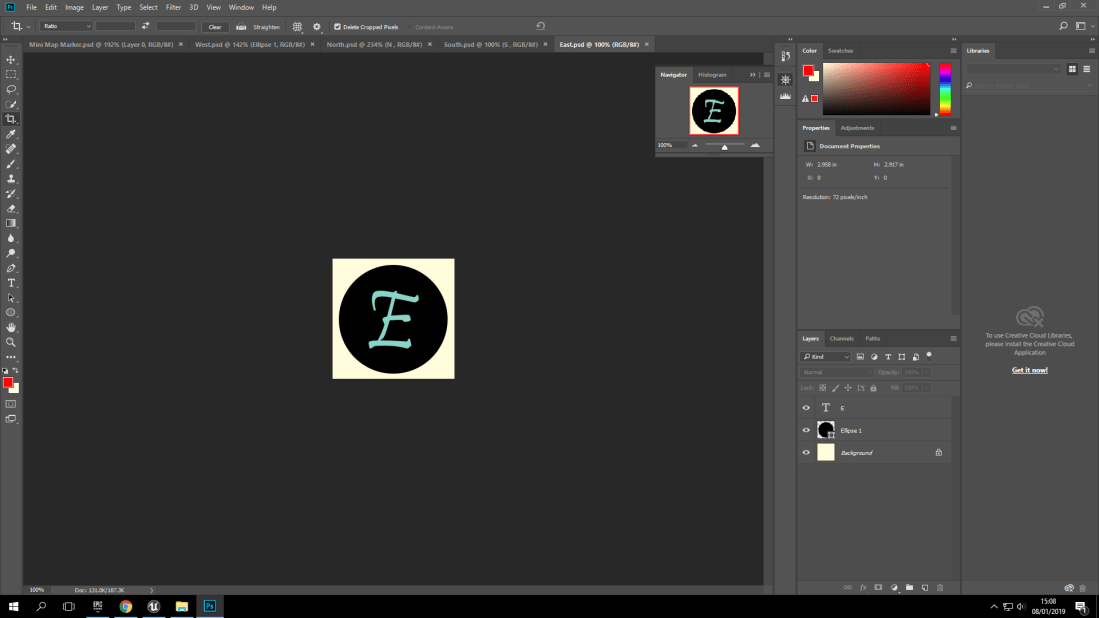
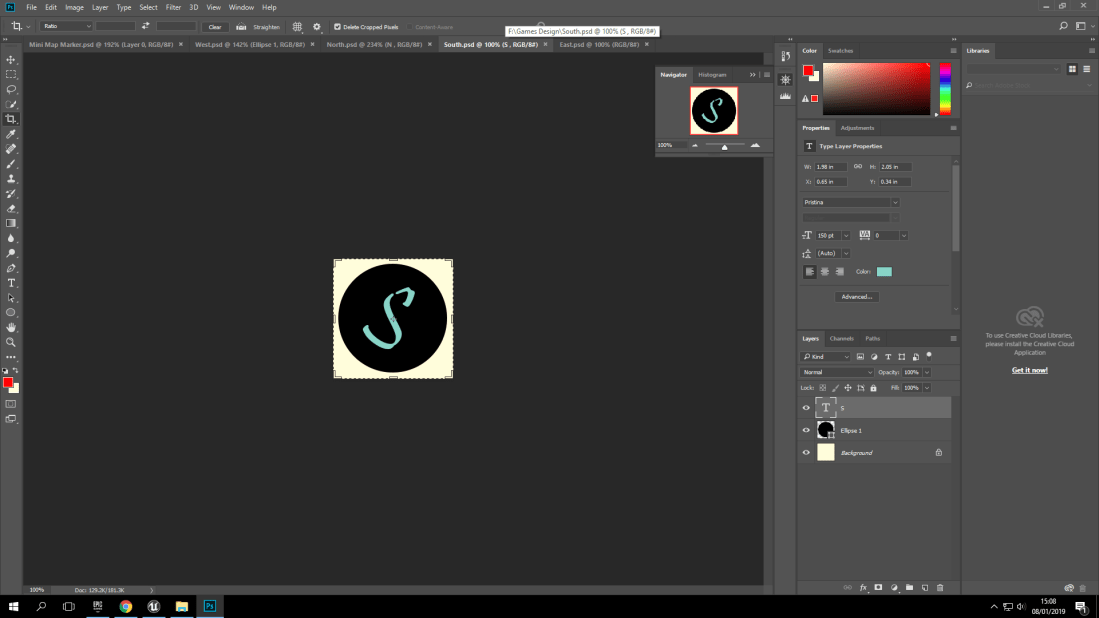
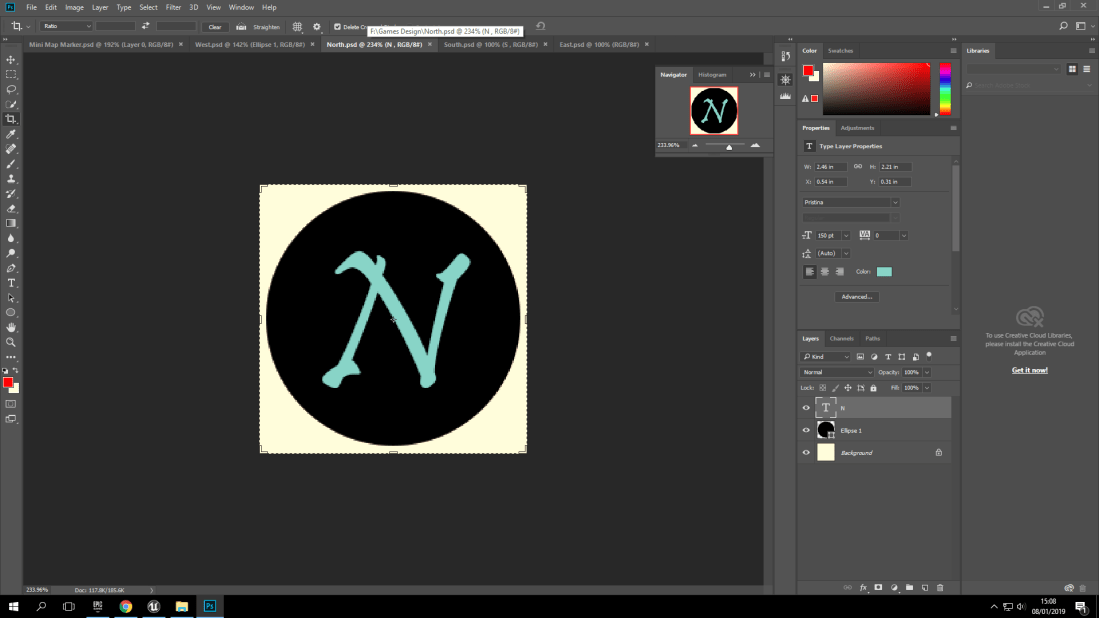
With doing my research on ‘Mini-Maps’ I found the design aspect of having your 4 main compass points on the ‘Mini-Map’ to show which direction is North, South, Etc. But I soon scrapped this idea since what was the point of having compass directions for an open world game? The whole point of open world games is to explore and discover. Not to have a ‘Mini-Map’ show which way is North.
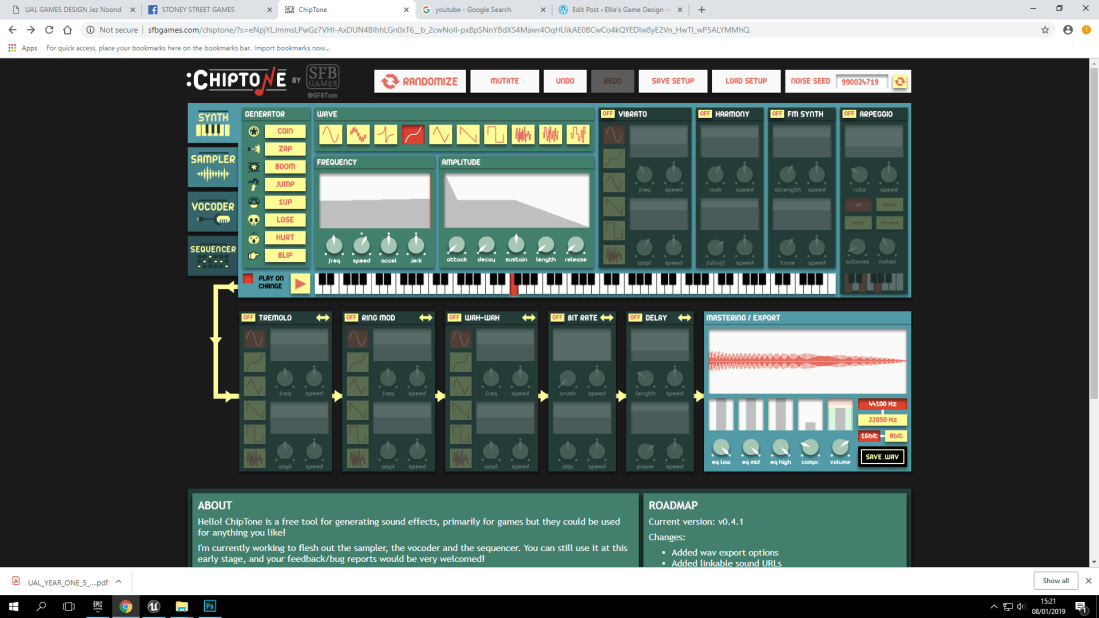
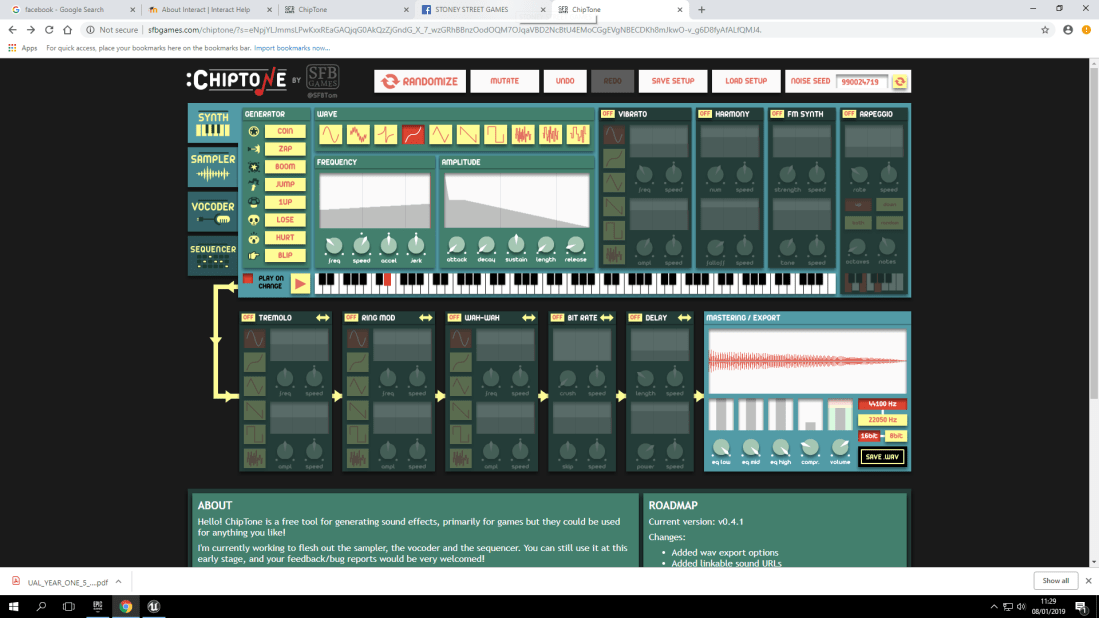
Here in these two screenshots, It shows that I used a free online software called ‘Chiptone’ for my two sounds for the ‘Mini-Map’ being turned on and off.
Where Did Things Go Wrong?:
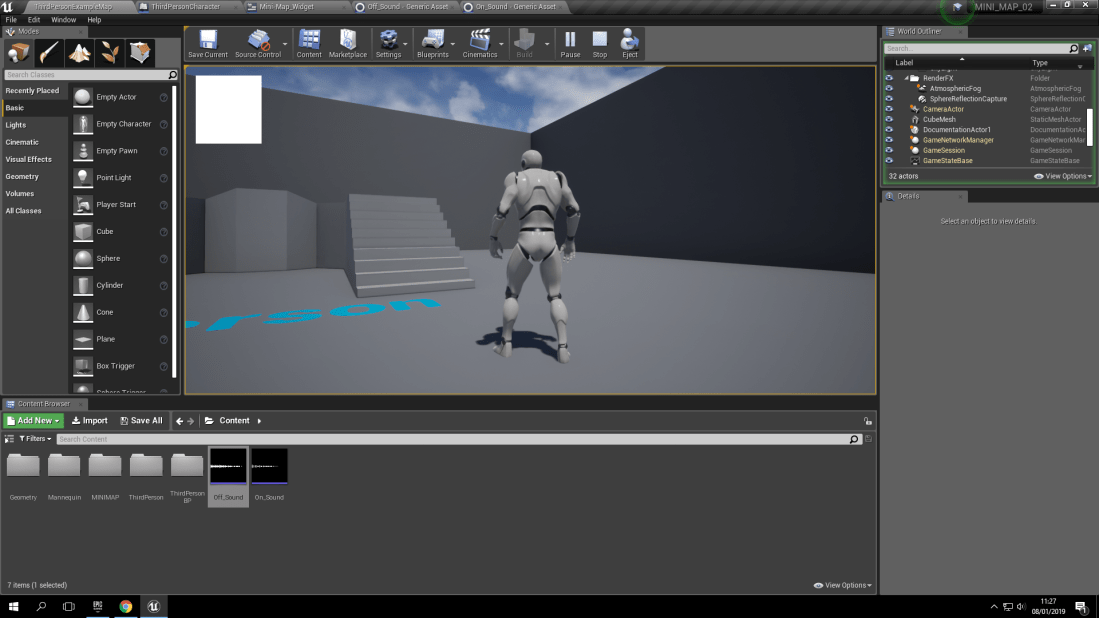
This screenshot shows that the widget for the ‘Mini-Map’ is functional but it doesn’t show the actual ‘Map’. This was the stage where I was frustrated because so many problems happening at once. This includes the previously mentioned file format problem.

 Ellie's Game Design